None of these people are real.
Every clip here came from the open-source workflows we teach. About $1 a video on a cloud GPU, or free on your own PC.
One payment, lifetime access.
No strong PC needed. See how it runs
Motion control for $0.
Same video,
your character.
Drag the line. On the left is the original video. On the right, the course's motion control workflow puts your character in it, from one photo.
 Made from 1 photo15 s clip
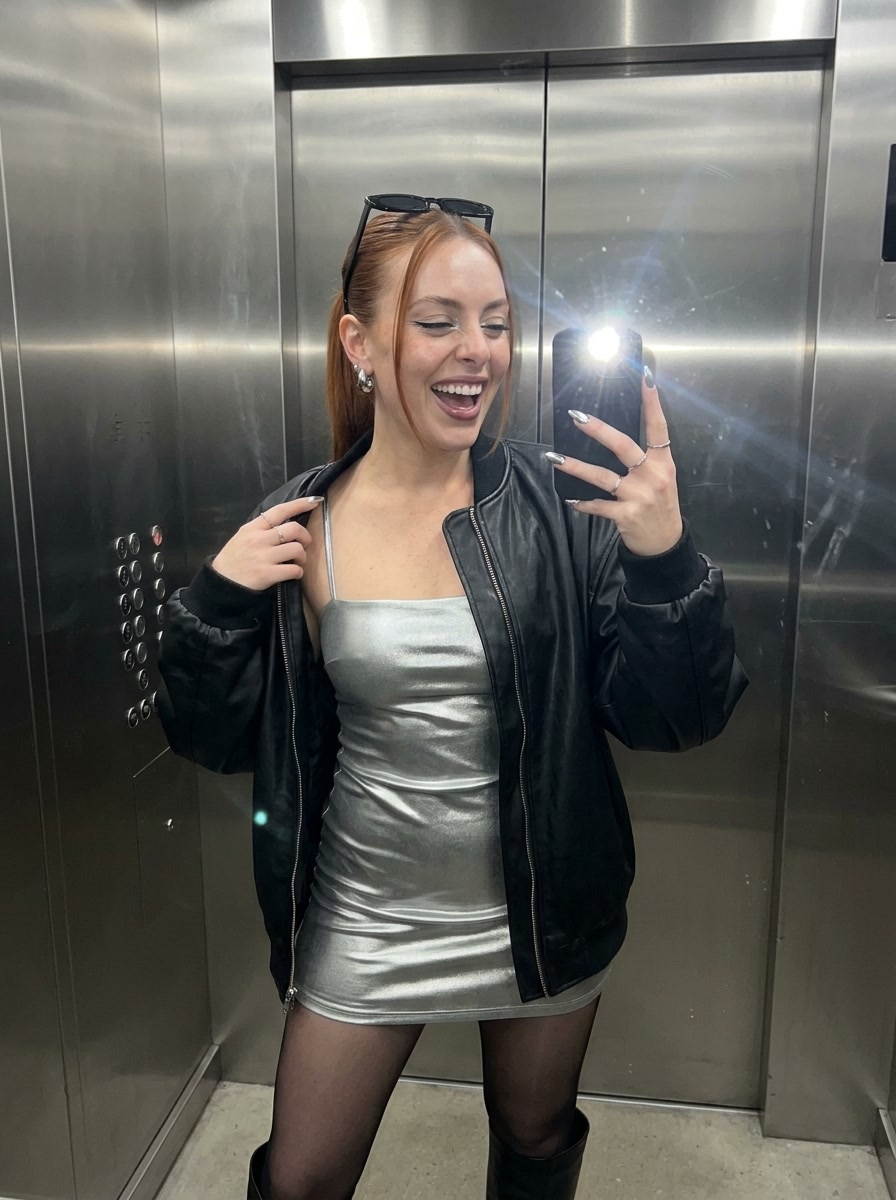 Made from 1 photoCrowded party scene
50 swaps a month:$260 on Higgsfield
$0 in your studio.
The free $30 of cloud compute each month covers about 50. On your own PC, as many as you want.
Get the courseHiggsfield Genjutsu price for a 15 s clip at 720p, Nov 2026. Free monthly compute comes from the cloud provider for eligible accounts.
Seedance 2.5 quality. Free on your own PC.
MiniMax H3 in a ready-to-use ComfyUI workflow. Start from one idea, make the reference images, get a finished video.
-
The idea
A night out in Paris, then the hangover.
One line is enough. The workflow’s built-in AI can write the full prompt for you.
-
Six reference images
One realistic photo per shot sets her face, outfit and light. Make yours free with the KREA 2 carousel workflow included in the course.
-
The video
MiniMax H3 turns each photo into a shot that moves and talks. Same face and voice in all six.

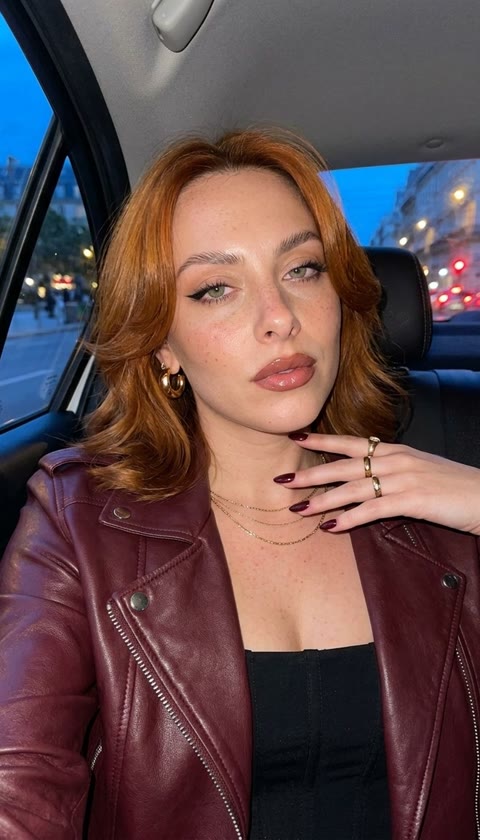




More MiniMax H3 videos, same workflow
-
Lip-sync to a song17 s -
UGC ad for a face serum17 s -
Up to 30 s in one continuous take, no quality loss24 s -
UGC ad, the hot car test19 s
Three secrets: the photo, the words, the voice
- Start from a real-looking photo.
H3 keeps the face, outfit and light of the first frame, so the realism starts there.
- Write the words she says.
Put the line in the prompt and H3 speaks it with matching lips, in one take.
- Keep one voice.
A short voice clip as a reference keeps the same voice in every shot.
Design her face.
Train it once.
Shoot her anywhere.
Design a woman who doesn’t exist, train her face once, then put her in any scene. She stays the same person in every shot.
-
Her face
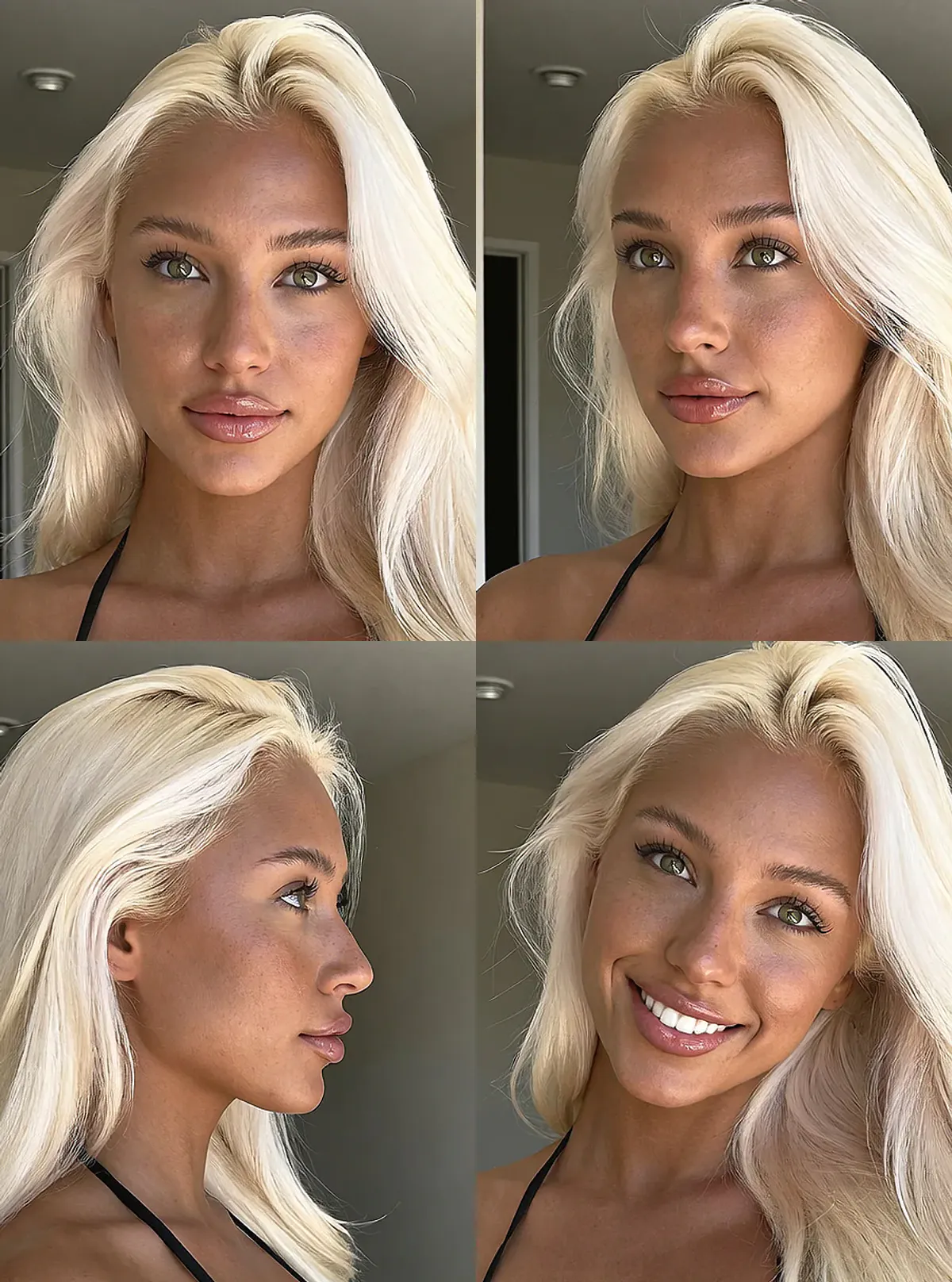
FaceGen designs four matching views of a face that doesn’t exist. This is Ely. -
Her LoRA
Animation: the four photos of Ely’s face are read one by one, a blurry face sharpens into Ely as the training bar fills, and her LoRA is ready.
Train it once on those four views. It keeps her the same person in every new photo and video. -
Any scene
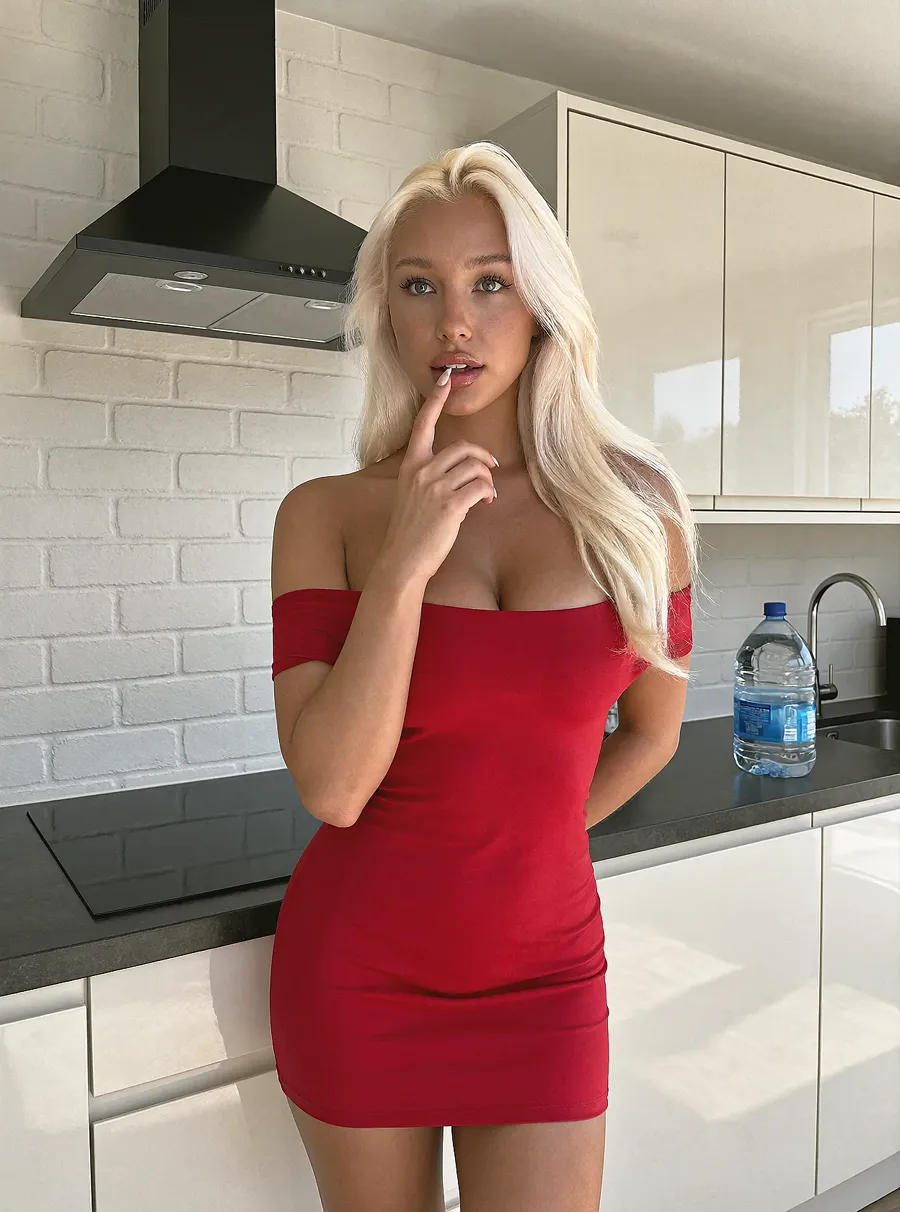

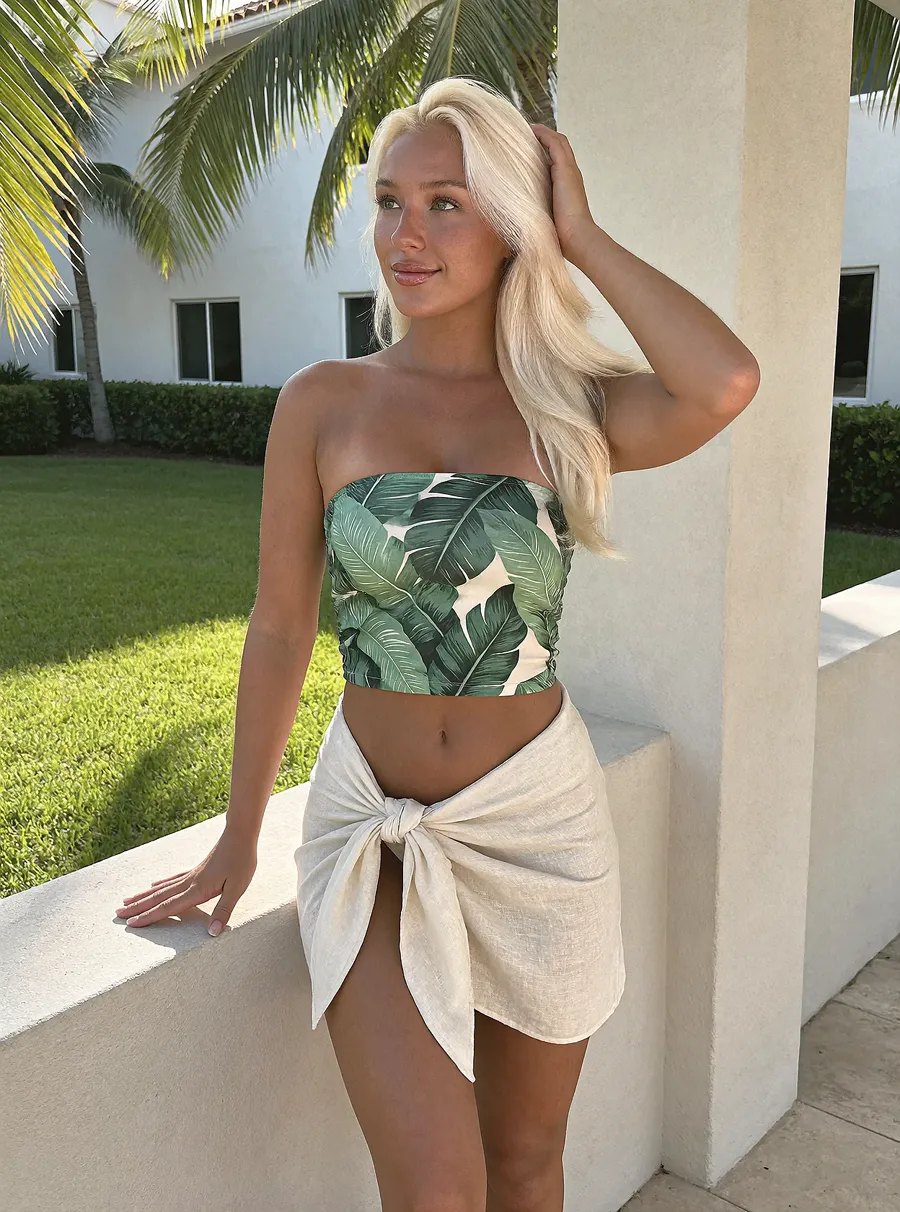
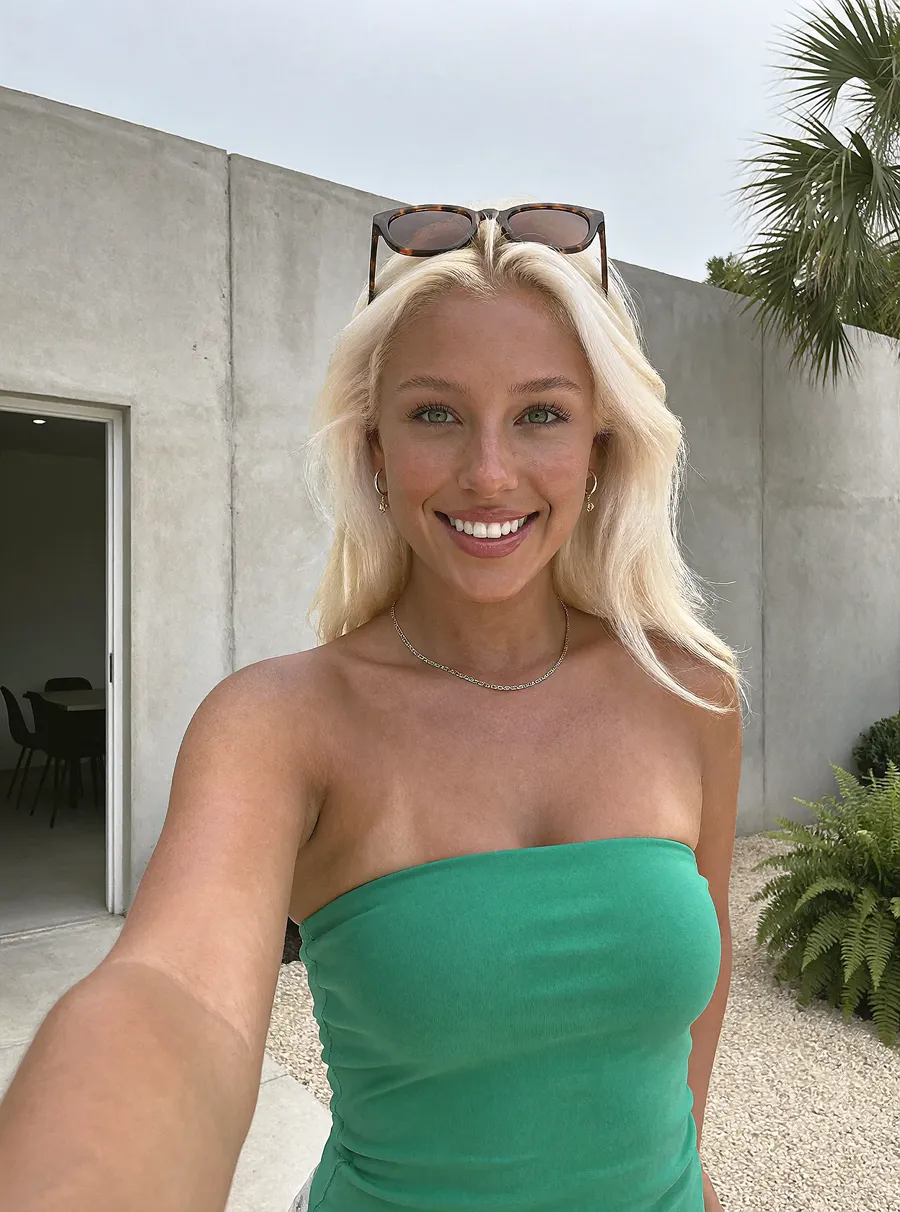
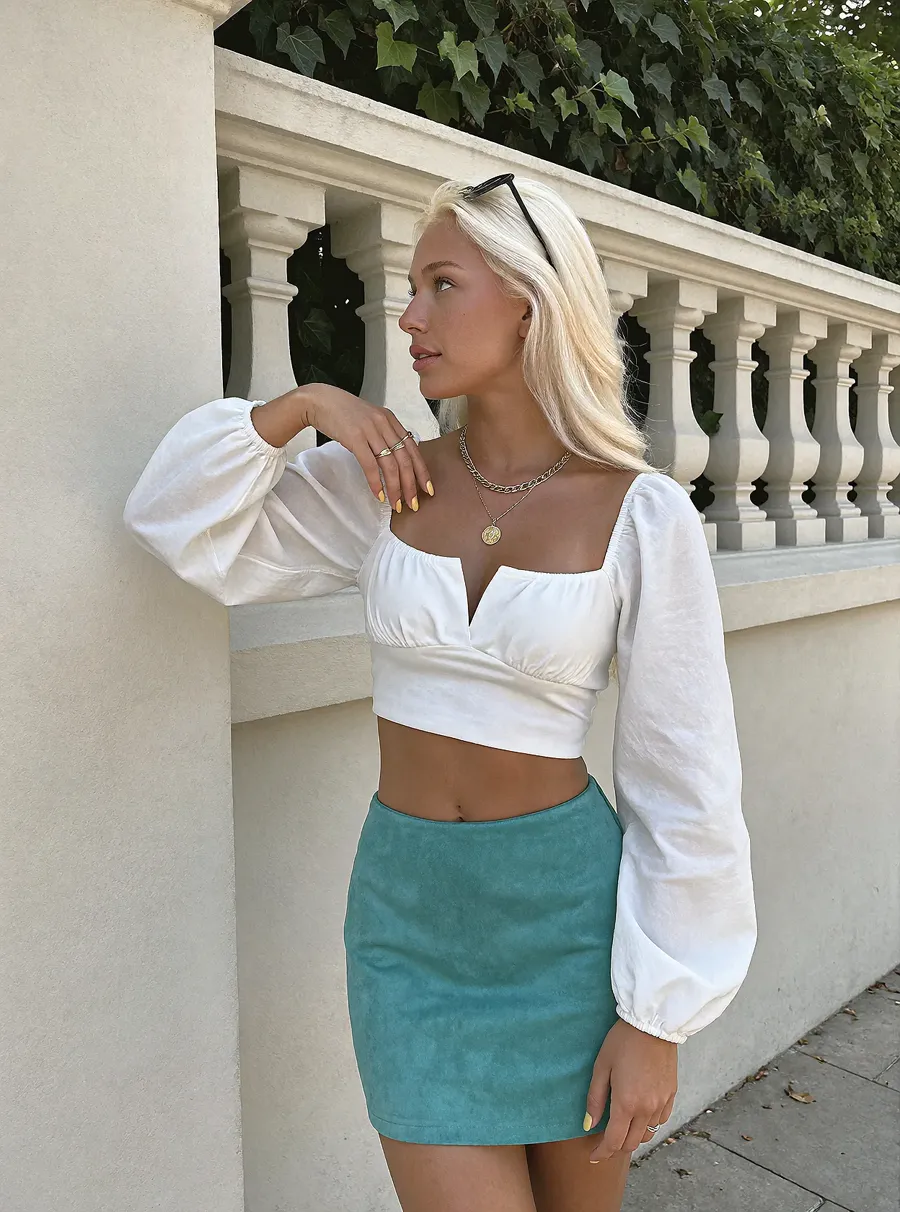
KREA 2 with her LoRA. Five photos in five places.
299 prompts, each shown with the result it made.
Every KREA 2 photo prompt and MiniMax H3 video prompt in our library comes with the course. Here is one, word for word.
The prompt behind this video MiniMax H3
subject_definitions:
<Subject 1> (S1) is the young woman from <Picture 1>, with blonde hair, a white lace headscarf, a yellow off-shoulder top, a double-strand pearl necklace, and gold hoop earrings with turquoise accents. <Picture 1> defines Shot 1's opening composition, and the video begins exactly there.

summary:
[keyframe completion] A selfie vlog where <Subject 1> talks to the camera, adjusts her lace headscarf, smiles, and shows off her outfit.

retention_analysis:
<Subject 1>: fully_preserved. The subject's identity, blonde hair, white lace headscarf, yellow off-shoulder top, pearl necklace, and gold/turquoise hoop earrings are preserved from <Picture 1>. The background setting with the striped bedding and black wall lamp is also maintained.

detailed_description:
Director requirements (mandatory and authoritative): She talks to the camera, adjusts her scarf on her head, smiles, and shows her outfit.
[Shot 1] A selfie vlog shot in a medium-close framing, capturing <Subject 1> from the chest up. The camera is held by the subject, creating a slight handheld motion. The setting is a bedroom with a black wall lamp on the left and striped bedding visible in the background. <Subject 1> looks directly into the camera lens with a playful expression. She speaks to the camera, her lips moving in sync with the dialogue. As she speaks, she lifts her right hand to gently adjust the white lace headscarf on her head, ensuring it sits perfectly. She then smiles warmly and slightly pulls back the camera to reveal more of her yellow off-shoulder top and pearl necklace, showing off her complete outfit. The lighting is soft and natural, highlighting her features and the texture of the lace. The video ends with her holding a confident, smiling pose.
<Subject 1> (S1) says, <d>[English] I wasn’t sure about this scarf at first, but now I think it completes the whole look. What do you think?</d>

overall_soundscape:
A quiet, intimate bedroom ambience with subtle room tone. The soft rustle of fabric as she adjusts her scarf and the gentle sound of her breathing are audible. No background music.

non_diegetic_music:
N/A
This one is free. Paste it into MiniMax H3 in ComfyUI with your own starting image.
Free KREA 2 prompts, shown by their results
 Café selfie in glasses and a blue knit sweater
 Tropical beach selfie in aviator sunglasses
 Black satin dress at sunset with white wine
 Tropical leaf portrait in tortoiseshell sunglasses
 Champagne and steak dinner in a black dress
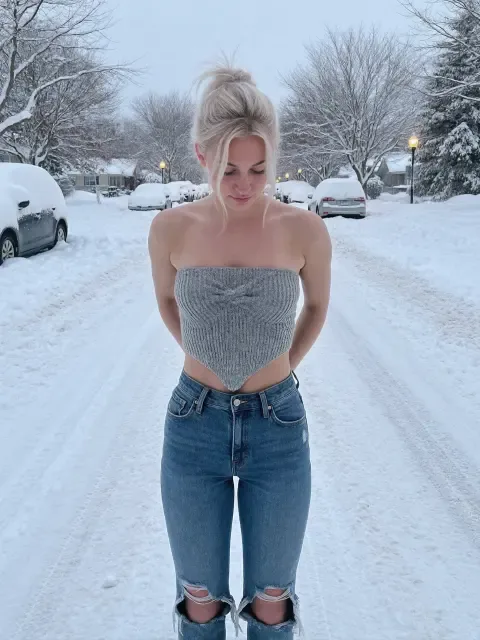 Snowy street in a bandeau top and jeans
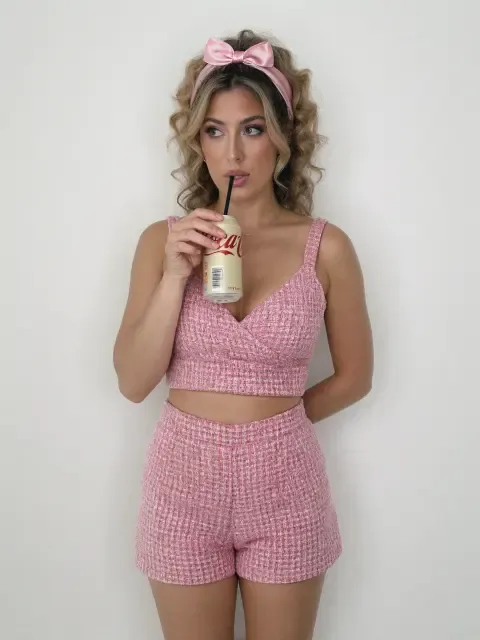 Pink tweed set sipping a soda
 Black jumpsuit on an orange sports car
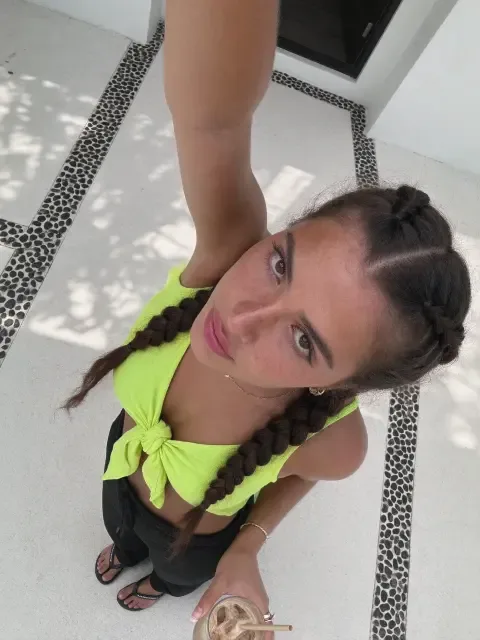 Neon crop top shot from above
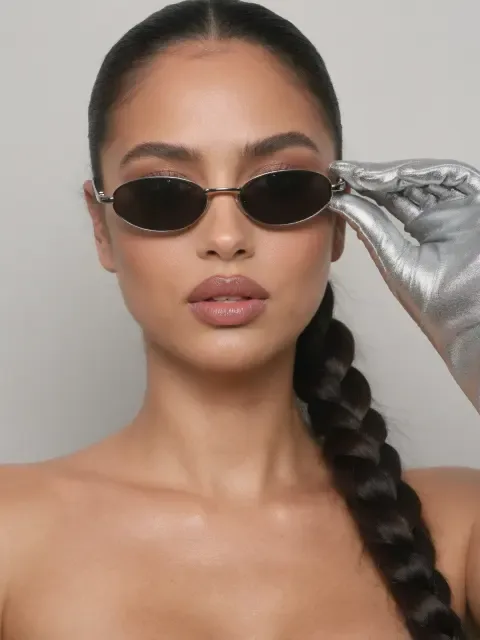 Sleek braid and oval sunglasses beauty portrait
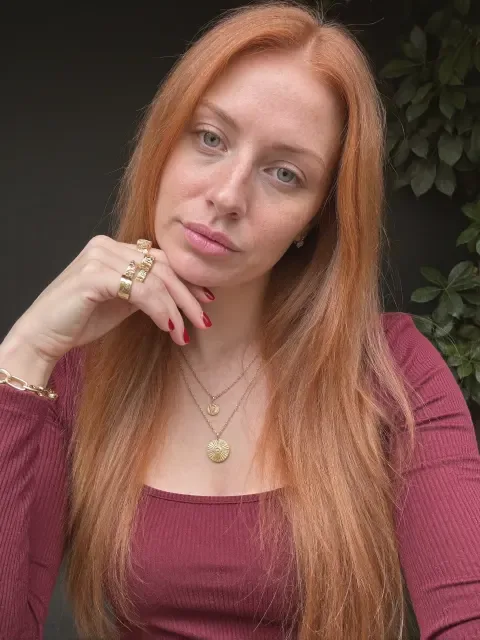 Burgundy top and gold necklace portrait
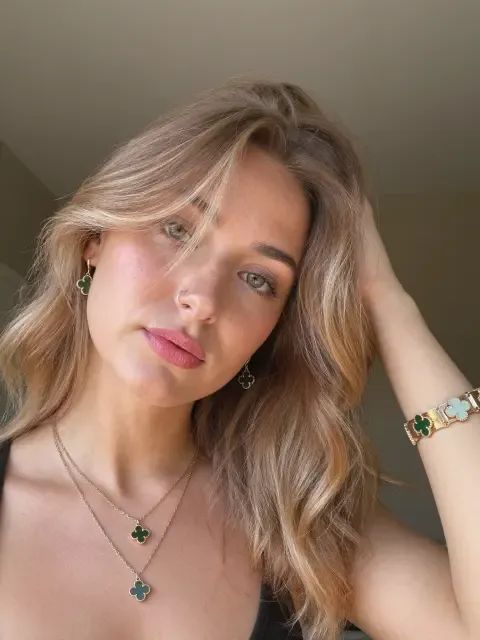 Soft natural light beauty portrait
Want results today, without training?
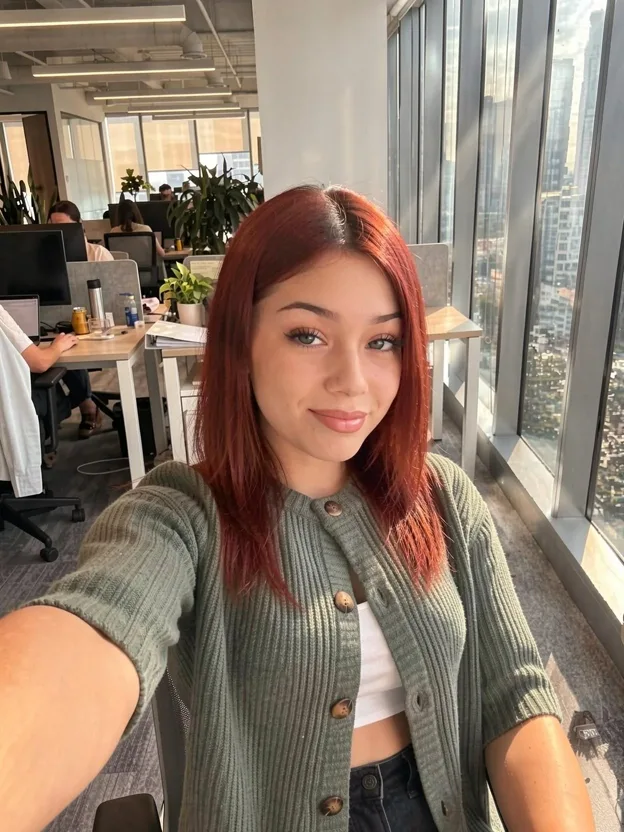
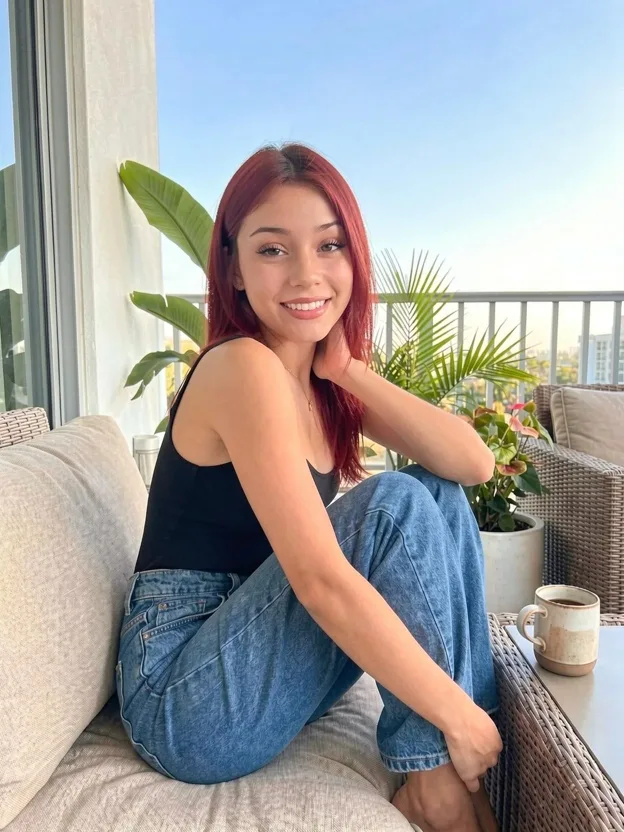
InstantClone makes consistent photos and motion videos of a character from one image. There is no LoRA to train, and it runs on a cloud GPU from your browser.
one payment, lifetime access.
See InstantClone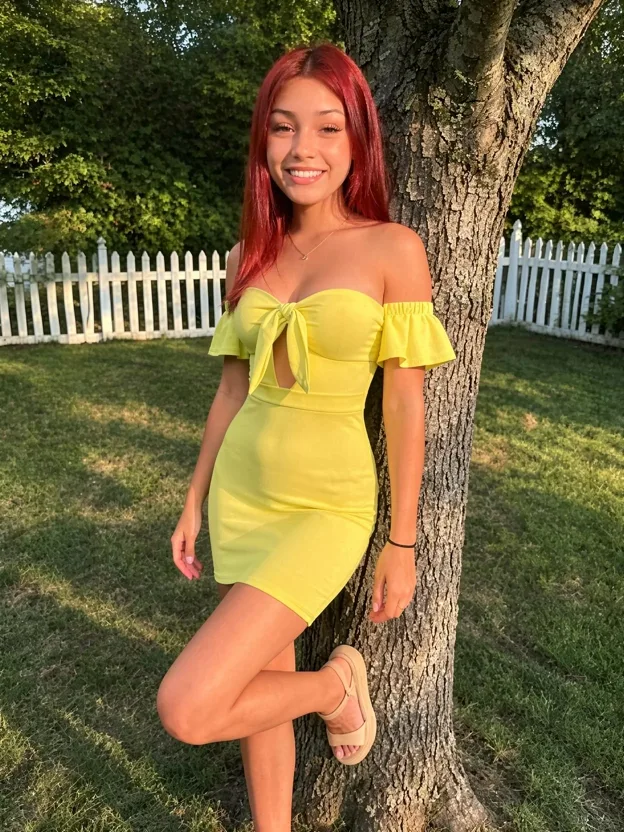
A normal laptop is enough. The rest, answered.
Do I need a powerful computer?
No. A normal laptop runs every workflow on a cloud GPU in your browser. On your own PC you need Windows, an NVIDIA card with 16 GB of VRAM, and 32 GB of RAM.
Is the cloud really free?
The cloud service the course uses gives eligible accounts free credits every month, enough for up to 300 images or 50 videos. You need to set up billing with them. If you go past the free credits, they bill by the second for the time you use.
Can I use a Mac?
Yes, through the cloud: any Windows or macOS computer with internet works. Running everything locally needs a Windows PC with an NVIDIA card.
Do I need to know ComfyUI already?
No. The video lessons start from setup and walk you through every step, and the workflows come ready to load.
Which accounts will I need?
A free Hugging Face account with a read token. For the cloud, an account with billing set up. A DeepSeek API key is optional, because the built-in AI can write your prompts.
Is this a subscription?
No. You pay once and keep lifetime access, including every future lesson and workflow update.
How do I get access after paying?
Straight away. Checkout is handled by Stripe, and the course opens in your account as soon as the payment goes through.
Are there any other costs?
Only cloud time past the free credits, and optional paid services such as the DeepSeek API. Running on your own PC costs nothing extra.
What if it doesn’t work for me?
Open a support ticket from your profile and we’ll help you get it running. If it’s a technical problem we can’t fix, you get a refund within 15 days of buying, under our refund policy.
Still unsure? Ask us before you buy, or see the offer.
One payment for every lesson, workflow and prompt.
Before:
Lifetime access, updates included.
Get the course forInstant access, secure checkout with Stripe.
What gets you
- 0 video lessons, subtitles in 8 languages
- Ready-to-use ComfyUI workflows
- All 299 prompts, each with its result
- A built-in AI that writes prompts
- The cloud setup and a Windows model installer
- Help under every lesson, plus support tickets
If it doesn’t run,
we fix it or refund you.
A technical problem we can’t fix is refunded within 15 days, under our refund policy.