MiniMax H3 Video Prompts
MiniMax H3 turns a still image into a short video with motion, speech and camera movement. These image-to-video prompts describe what happens shot by shot: the movement, the expression, what the person says and how the phone camera follows.
Each prompt is shown with the video it made. Start with the free ones, or unlock the library for all of them.
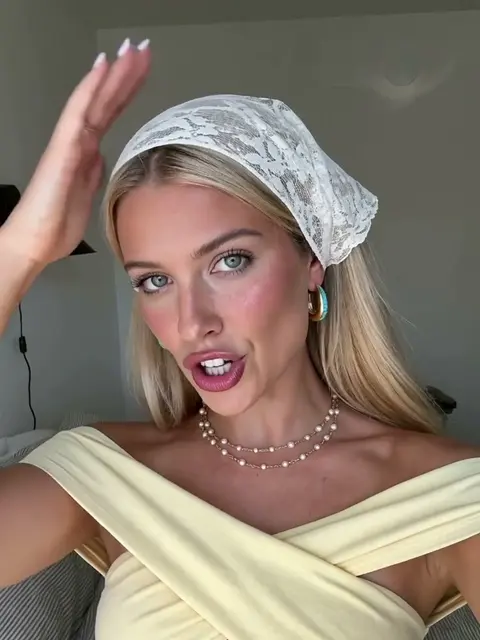 Free prompt
Lace Headscarf Talking Selfie Video
MiniMax H3 · Daily Aesthetic
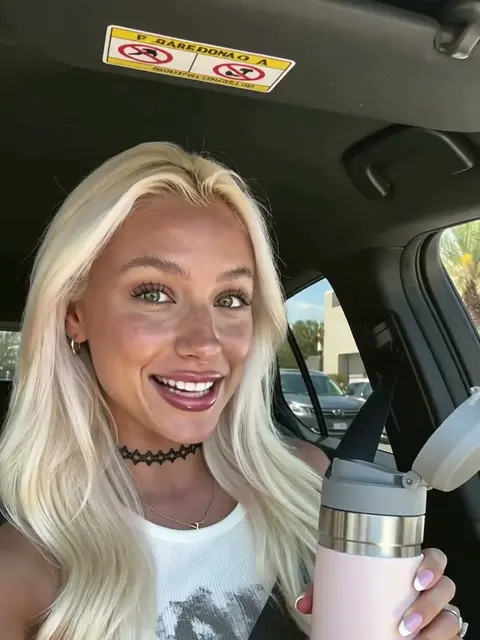 Free prompt
Water Bottle Product Review Video
MiniMax H3 · Product Placement
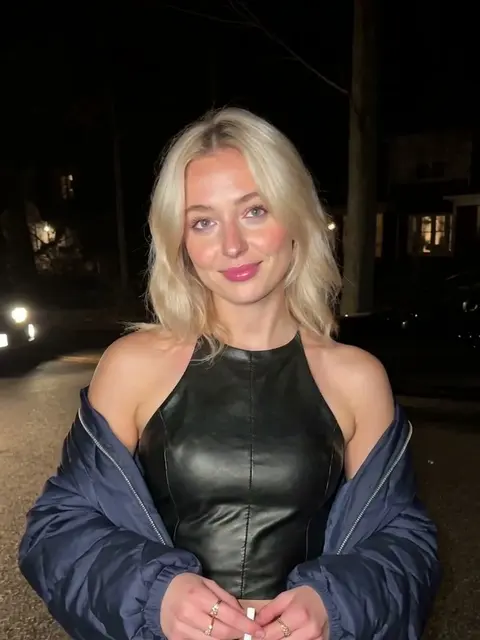 Free prompt
Night Street Talking Video in Leather
MiniMax H3 · Scroll Stopper
 Full library
Restaurant Talking Video in a Crochet Top
MiniMax H3 · Scroll Stopper
 Full library
Car Talking Video with an Iced Drink
MiniMax H3 · Daily Aesthetic
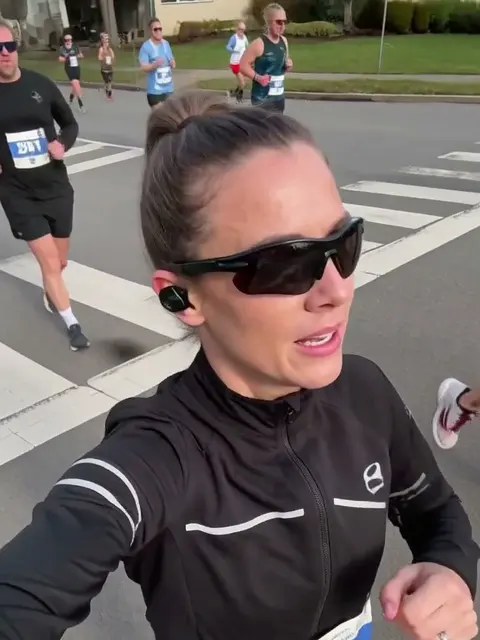 Full library
Marathon Running Selfie Video
MiniMax H3 · Life Content
 Full library
Coastal Trail Talking Video in a Cowboy Hat
MiniMax H3 · Life Content
 Full library
Kitchen Reaction Video with Silver Hair
MiniMax H3 · Scroll Stopper
Full prompt library
Unlock all 299 prompts
Every image and video prompt in this library is included with UltraRealistic AI Influencer Pro: KREA 2 & MiniMax H3, together with the workflows, lessons and models that made these results.
$59$79
See what's includedHow to use these MiniMax H3 video prompts
These are image-to-video prompts. Start from a sharp photo of your character, load it into a MiniMax H3 workflow in ComfyUI, paste the prompt and run it. The prompt describes what happens in the clip: how the person moves, their expression, what they say in quotes, and how the phone camera follows them.
Keep one clear action per clip and describe it in order, from the first second to the last. If the movement looks stiff, describe it more concretely; if the face changes, use a cleaner starting photo with the face large and well lit. Spoken lines work best when they are short and natural, like something a creator would really say to camera.
The UltraRealistic AI Influencer Pro course covers MiniMax H3 talking videos, product demos and character swaps with your own trained character, and the InstantClone AI Influencer Suite turns one character image into motion videos. To render faster, see how to speed up MiniMax H3 in ComfyUI.