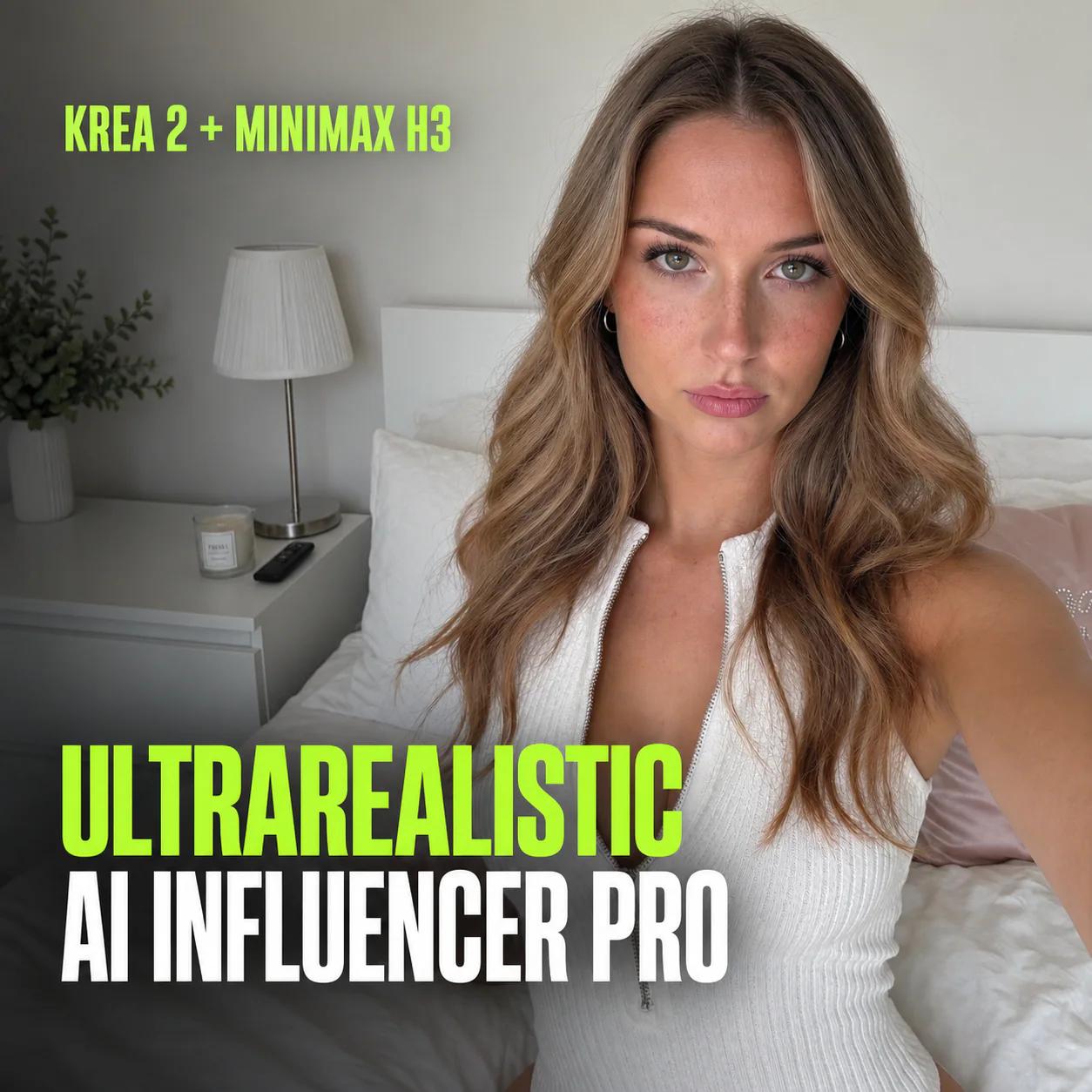
UltraRealistic AI Influencer Pro: KREA 2 & MiniMax H3
Create a consistent AI character, train its LoRA, and make KREA 2 photos, MiniMax H3 talking videos and video character swaps. Cloud or local.
Last updated Nov 2026
Subtitles in 8 languagesEnglish audio
- English
- Arabic
- Spanish
- French
- Indonesian
- Brazilian Portuguese
- Russian
- Turkish
Proof of results
Made with this workflow. Tap any result to view it full screen, with sound for videos.
What you'll make
- Design an original character with four consistent FaceGen views
- Train a reusable character LoRA and choose its best checkpoint
- Create KREA 2 photos with new outfits, poses and settings
- Write prompts automatically with the built-in AI or the DeepSeek API
- Make MiniMax H3 motion, dialogue and product-demo videos
- Swap your character into existing videos, even keeping the original speech
- Work on the course cloud, RunPod, or a 16 GB NVIDIA PC
What you need
- For cloud setups: a Windows or macOS computer, internet access, and the ability to extract a ZIP and run a launcher
- For your own PC: Windows with an NVIDIA GPU (16 GB VRAM) and 32 GB RAM; more is faster
- A Hugging Face account and read token; billing set up for cloud use
- A budget for GPU time and storage (DeepSeek API optional); only use media you have permission to use
Prompt library included
All 299 KREA 2 and MiniMax H3 prompts in the library come with this workflow, each with the result it made. A few of the free ones:




Questions before you buy
Do I need a powerful computer?
No. You can run every workflow on a rented cloud GPU from your browser, so a normal laptop is enough. If you have a suitable NVIDIA graphics card you can also run it on your own PC; check the requirements on this page.
Do I need to know ComfyUI already?
No. The video lessons start from setup and walk you through every step, so no prior ComfyUI experience is needed.
Is this a subscription?
No. You pay once and keep lifetime access to this workflow, including its future updates.
How do I get access after paying?
Straight away. Checkout is handled securely by Stripe, and the workflow unlocks on your account as soon as payment goes through. Open it from this page or from My Workflows in your profile.
Are there any other costs?
Cloud GPUs are billed by the provider for the time you use them, and some workflows use optional paid services listed under Requirements. Running on your own PC costs nothing extra.
What if it doesn't work for me?
Open a support ticket from your profile and we'll help you get it running. If it's a technical problem we can't fix, you get a refund under our refund policy.
Use it responsibly: create original characters, or use images, videos and audio you have permission to use. Check model licences and platform rules, and label AI content where required. Results vary with hardware, settings and references.
Lessons
11 lessons • 2h 16m in total
- Workflow files + 11 video lessons (2h 16m)
- No sign-up needed: instant access after payment
- Secure checkout with Stripe
- One-time payment, lifetime access and updates
- If it doesn't run, we fix it or refund you. Policy
Keep creating
Related workflows
Explore more ready-to-use workflows selected to complement this product.

Lifetime access