Open-source AI creation, made simple
Build AI influencers and AI models without learning ComfyUI first
Beginner-friendly workflows for AI influencer and OFM content. Use one-click cloud deployment, explore free GPU options, and follow every step through clear video tutorials. No prior ComfyUI knowledge required.
Workflow library
2 workflows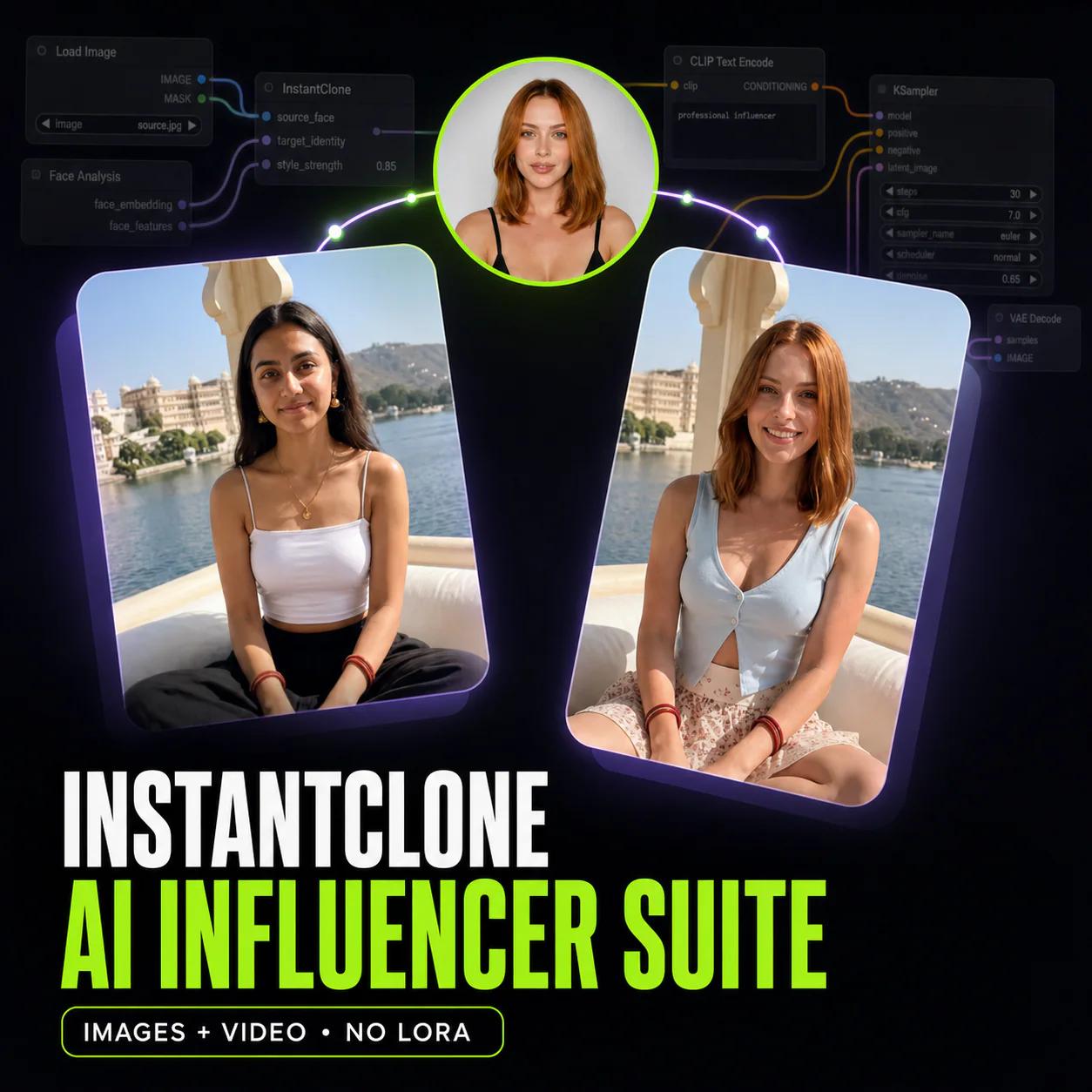
Flux 2 · Wan Video
InstantClone AI Influencer Suite
Create consistent AI influencer images, and motion videos from one character image.
- 4 lessons
- 33m
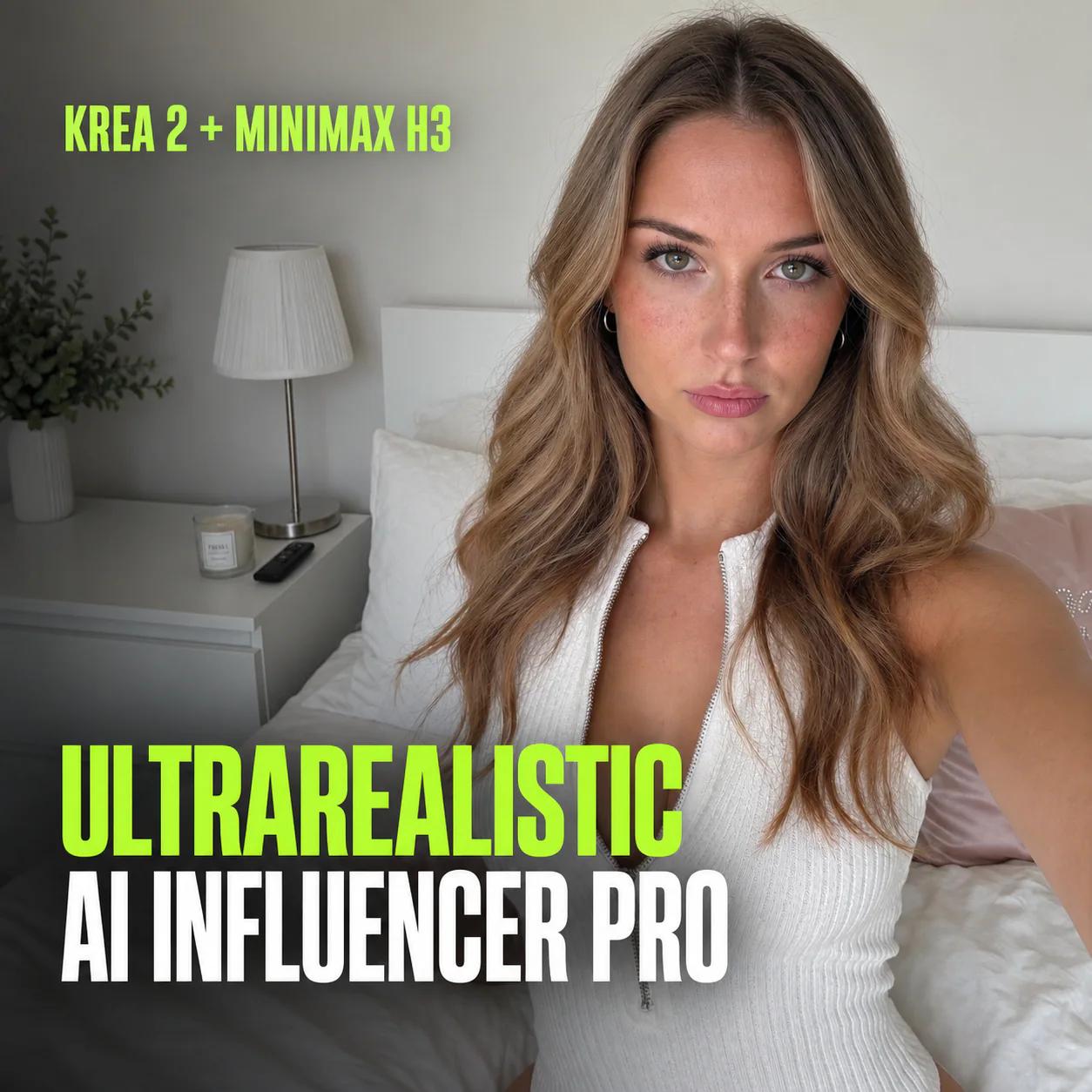
Krea 2 · Minimax H3 · Qwen image 2.1
UltraRealistic AI Influencer Pro: KREA 2 & MiniMax H3
Create a consistent AI character, train its LoRA, and make KREA 2 photos, MiniMax H3 talking videos and video character swaps. Cloud or local.
- 10 lessons
- 2h 16m
AI influencer focused
Create consistent AI models and OFM content.
One-click deploy
Launch in the cloud without a complex local setup.
Free GPU options
Start with supported free cloud GPU choices where available.
Video guided
Follow beginner-friendly, step-by-step tutorials.
Everything you need to start as a beginner: each product page shows the result, the included workflow files, one-click cloud deployment options, step-by-step video tutorials, downloads, and future updates included with your one-time purchase.
What is a ComfyUI AI influencer workflow?
A ComfyUI AI influencer workflow is a saved graph of nodes that turns a character idea into finished content: realistic photos, short videos and talking clips of one person who looks the same every time. Instead of wiring dozens of nodes and hunting for model files, you load a tested workflow, change a few clearly marked settings and press Run.
The hard part of an AI influencer is consistency. Any model can make one beautiful photo; the same face, body and style across a hundred photos and videos is what makes an account believable. Our workflows solve that in two ways: by building the character from a single reference image, or by training a dedicated LoRA so the model learns your character.
Every workflow runs on open-source models in ComfyUI. You can use a cloud setup that needs no powerful computer, rent a GPU on RunPod with a ready template, or run everything on your own NVIDIA PC. Each product page lists the models, the hardware it needs and every lesson, so you know exactly what you get before you start.
Which workflow should you start with?
InstantClone AI Influencer Suite is the fastest start: one character image in, consistent AI influencer photos and motion videos out, with no training step. It suits creators who want results the same day and are happy to work from a single face.
UltraRealistic AI Influencer Pro is the complete system: design an original character with four consistent views, train her KREA 2 LoRA, then make ultra-realistic photos, MiniMax H3 talking videos and character swaps into existing clips. It is the right choice when the character is a long-term brand.
Want to try the techniques first? Our free guides show the building blocks, such as the AI character sheet workflow, realistic MOSS Image photos and how to create an AI influencer with open-source tools. You will also find tested prompts in the AI prompt library.