AI influencers have moved beyond the thought-experiment stage. Brands use virtual characters for product campaigns, social content, subscriptions, and user-generated-style ads. To make one work, you need a consistent character, a regular publishing schedule, a way to follow platform rules, and a business model.
This guide explains how to create an AI influencer with free or open-source tools in 2026. It compares hosted image and video models with local options, covers character consistency, LoRA training, and reference workflows, and looks at publishing and monetization.
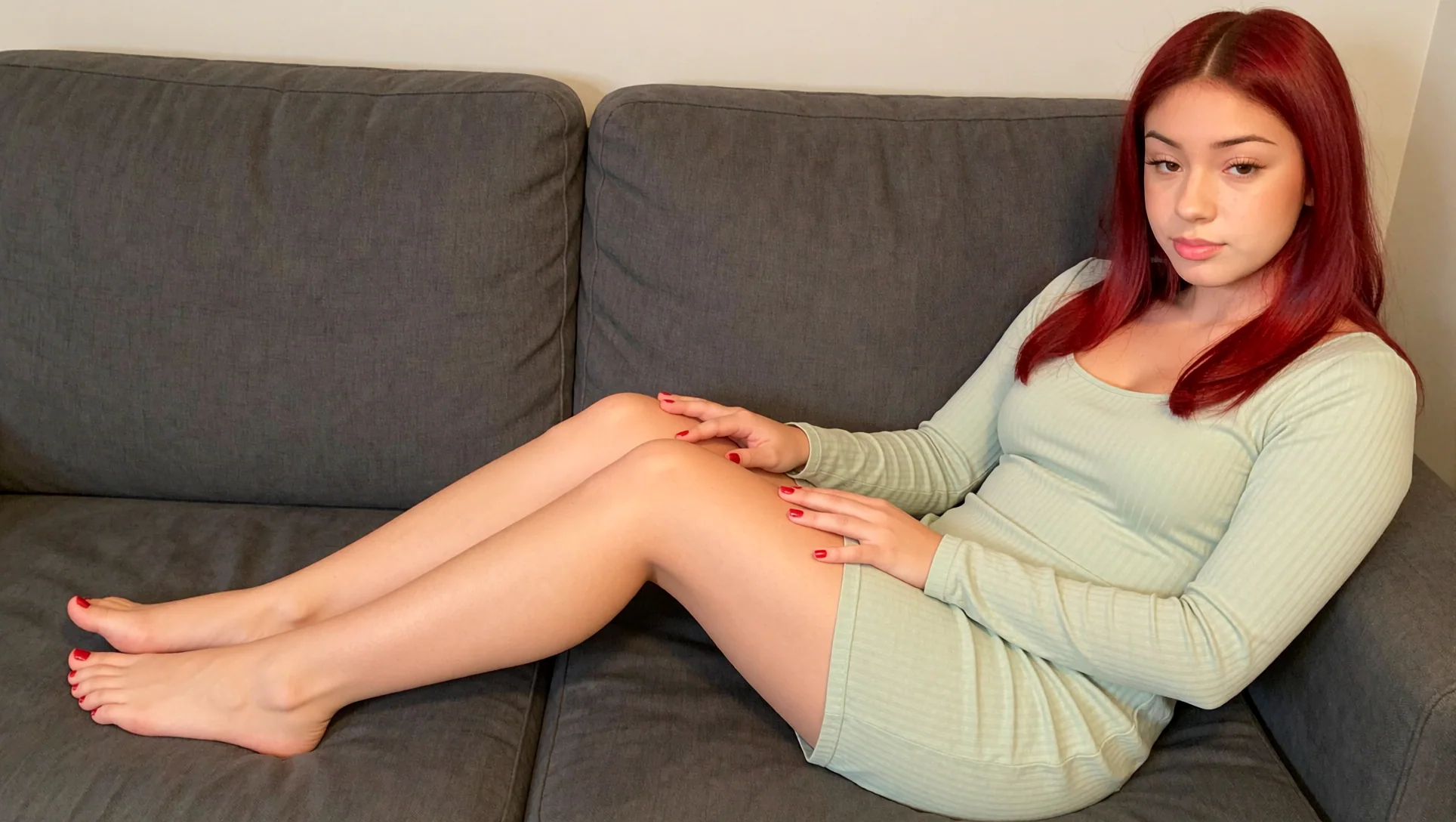
Table of contents
- Why AI influencers are becoming a real business
- Closed-source tools: fast, polished, and metered
- Open-source tools: more control and more responsibility
- The best open models for an AI influencer
- How to create a consistent AI character
- A practical open-source production workflow
- How AI influencers make money
- Disclosure, consent, and platform restrictions
- A faster route without training a LoRA
- FAQ
- Conclusion
Why AI influencers are becoming a real business
A virtual influencer is a fictional digital persona with a repeatable identity, public profile, and publishing schedule. The character may be rendered with 3D software, generative image models, video models, or a mixture of all three. Some accounts are clearly stylized. Others are designed to look like real people and need especially careful disclosure.
The influencer marketing industry is already measured in billions. Influencer Marketing Hub estimates a global influencer marketing market of $32.55 billion in 2025, up from $24 billion in 2024. That number includes human and virtual creators, agencies, platforms, and campaign spending, so it is not an AI-influencer-only figure. It still helps explain why brands pay for attention, content, and distribution.
A separate 2026 commercial market report from The Business Research Company, distributed by Research and Markets, estimates the virtual influencer market at $11.22 billion in 2025 and projects $15.9 billion in 2026. This is a vendor forecast, not a government statistic, and market-research definitions vary. Use it as evidence of commercial momentum, not as a measure of guaranteed creator income.
One example puts the opportunity in clearer terms. Forbes reported that Aitana Lopez, an AI-generated character created by the Spanish agency The Clueless, was said by her creators to earn up to 10,000 euros per month. That is a claim attributed to the agency, not independently audited income. The same story also described weaknesses such as changing anatomy and artificial-looking eyes. The point is simple: attention can become revenue, but a believable character still needs quality control.
The money can come from several directions:
- AI UGC-style ads made for brands;
- affiliate links and product placements;
- sponsored posts and campaign licensing;
- paid communities and subscriptions;
- digital products, presets, or courses;
- creator-management services, sometimes called OFM;
- traffic from Instagram, TikTok, YouTube, X, Telegram, and other social networks.
The character is only the visible layer. You also need a niche, an offer, a production system, an audience funnel, and a disclosure policy.
Closed-source tools: fast, polished, and metered
Hosted tools remove GPU setup, model downloads, dependency errors, and much of the moderation work. They also charge by usage or limit access. You pay with subscriptions, credits, API calls, queue time, or limits on what the provider will generate.
Nano Banana and Nano Banana 2
Nano Banana is Google's name for Gemini's native image-generation capabilities. The original Gemini 2.5 Flash Image, also called Nano Banana, is aimed at fast, high-volume generation and conversational image editing. Google's API pricing lists output at $0.039 per image for the standard tier, with input tokens billed separately. The model generates images up to 1024 by 1024 pixels in the documented API path.
Google also describes Gemini 3.1 Flash Image, marketed as Nano Banana 2, as the higher-efficiency newer option. The model family is subject to preview changes, rate limits, account quotas, and Google's content policies. Generated images include a SynthID watermark signal. Hosted access is convenient, but you cannot download the model and run it privately on your own GPU.
Nano Banana is useful for building the first character concept, editing clothing and backgrounds, creating fast variations, and testing a niche before committing to a local workflow. Its limits matter for high-volume work: pricing can change, free access is not the same as unlimited commercial API access, and identity can drift unless you reuse references carefully.
ChatGPT Images 2.0 and GPT Image 2
The phrase "ChatGPT 2.0 image model" is not the precise API name. OpenAI's product name is ChatGPT Images 2.0, while the API model is GPT Image 2. OpenAI's official image-generation documentation lists GPT Image 2 output pricing at $0.006 for a 1024 by 1024 low-quality image, $0.053 for medium, and $0.211 for high. Input text and reference images add token costs, so an edit with many references costs more than the headline output price.
ChatGPT Images is strong for prompt refinement, editing, and fast iteration. The trade-offs are that the model is not available as downloadable local weights, API pricing and ChatGPT usage limits are separate products, provider safety filters can reject or modify requests, and commercial use is governed by OpenAI's current terms.
Seedance 2.0
ByteDance's official Seedance 2.0 launch describes a unified multimodal audio-video model that accepts text, images, audio, and video. It supports reference-driven creation, editing, video extension, complex motion, and synchronized audio-video generation.
Seedance 2.0 is proprietary and hosted. You do not download the checkpoint or inspect the inference stack. Pricing and access depend on the product, region, and API provider. Third-party endpoints publish different per-second rates, so there is no single universal Seedance 2.0 price that should be copied into a long-lived tutorial without checking the live billing page.
Its likely advantages are strong multimodal references and polished motion. Its limits are hosted access, quotas, moderation, regional availability, changing model IDs, and usage terms that may differ between ByteDance products and third-party gateways.
Google Veo 3 and Veo 3.1
Veo is Google's high-end video family. The official Vertex AI pricing page lists Veo 3 video with audio at $0.40 per second and video-only generation at $0.20 per second. The newer Veo 3.1 pricing is listed at $0.40 per second for 720p/1080p video with audio and $0.60 per second for 4K video with audio. Video-only rates are lower.
Veo is useful for short product scenes, speech, ambient sound, and image-to-video animation. It is not a local model. Duration, resolution, access, quotas, supported people-generation settings, and safety restrictions depend on the endpoint. Google's documentation also notes that natural spoken audio and synchronization remain active areas of development.
Kling 3.0
Kling 3.0 is another proprietary hosted video option. Kling's developer pricing lists these example API rates:
| Mode | 720p | 1080p | 4K |
|---|---|---|---|
| Kling 3.0, no native audio | $0.084/sec | $0.112/sec | $0.42/sec |
| Native audio, no voice control | $0.112/sec | $0.14/sec | $0.42/sec |
| Video input and no native audio | $0.126/sec | $0.168/sec | varies by mode |
The final charge depends on the selected model, audio, input, resolution, and duration. Kling is convenient for short multi-shot clips, motion control, and reference-based scenes, but the weights remain hosted and the API has account, credit, rate, and content-policy restrictions.
Closed tools can speed up production, but a high-volume AI influencer account can become expensive quickly. Hosted generation also means your character references and prompts leave your local machine and are processed under the provider's privacy and retention terms.
Open-source tools: more control and more responsibility
Open models change the economics. With a suitable GPU, a local ComfyUI workflow does not charge for every image or video. You can batch generations, keep private character references on your own storage, inspect the graph, swap checkpoints, train adapters, and reproduce a result later.
Local generation is not automatically free. You still pay for hardware, electricity, storage, setup time, and sometimes a rented cloud GPU. Cloud GPU providers may offer trials, free credits, or limited free programs, but availability changes and a free quota is never a permanent production plan.
Open tooling is also not automatically commercially unrestricted. "Open weights," "open source," "research license," and "commercially usable" are different things. Check the exact license for the checkpoint, LoRA, custom node, dataset, and output workflow before selling a campaign or subscription.
For many tasks, the quality gap is narrower than it used to be. Local models can be competitive for portraits, typography, layout control, image editing, and short-form video. This does not mean every local model beats every hosted model. A good local stack can be close enough for a real content pipeline while giving you more control over cost, privacy, and customization.
The best open models for an AI influencer
Ideogram 4: excellent layout and typography, non-commercial weights
Ideogram 4 is a 9.3-billion-parameter open-weight image model with structured JSON prompting, bounding-box layout control, color-palette conditioning, multilingual text rendering, and native 2K output. Its official model card lists NF4 and FP8 variants and describes the model as Ideogram's first open-weight text-to-image release.
Ideogram 4 fits some influencer tasks because a content system may need posters, product labels, thumbnails, signs, packaging, and text-heavy social graphics. Structured prompts can describe objects, positions, colors, and text more explicitly than a loose natural-language prompt.
There is an important restriction: the Ideogram 4 weights are distributed under the Ideogram 4 Non-Commercial license. The ComfyUI wrapper code is Apache 2.0, but that does not change the model-weight license. Treat Ideogram 4 as a local research and non-commercial option unless your use case is covered by a separate commercial agreement.
Krea 2 Open-Source: RAW for training, Turbo for speed
Krea's official open-source page describes two checkpoints:
- Krea 2 RAW, an undistilled base model for fine-tuning, research, and LoRA training;
- Krea 2 Turbo, an 8-step distilled model for fast, polished image generation.
Krea 2 uses a 12B dense DiT, a Qwen Image VAE, and a Qwen3-VL text encoder with multi-layer feature aggregation. The RAW/Turbo pairing fits a creator pipeline: train or adapt on the flexible base, then generate with the distilled checkpoint.
Krea directs users to its current community and enterprise licensing paths. Read the live Krea license before monetizing output, distributing a fine-tune, or embedding the model in a paid service.
FLUX.2 [klein]: the practical fast local option
Black Forest Labs describes FLUX.2 [klein] as a compact family for text-to-image, editing, and multi-reference generation. The 4B variants are released under Apache 2.0, while the 9B variants use the FLUX Non-Commercial License. The official announcement says the 4B model can run on consumer GPUs with about 13GB of VRAM, although actual memory depends on precision, resolution, software, and workflow.
FLUX.2 [klein] 4B is useful for an AI influencer because it is fast, supports reference images, and has a permissive license. The 4B Base variant is a better starting point for adaptation than the distilled version, while the 4B distilled model is designed for fast inference. Do not apply the 4B license to the 9B model by mistake.
LTX-2.3: open audio-video generation
Lightricks describes LTX-2 as an audio-video foundation model with synchronized audio and video, text-to-video and image-to-video pipelines, an API, and open access. The current LTX-2.3 release is a 22B model with open weights and official Python inference and training packages.
LTX uses an LTX Model License rather than Apache 2.0. Lightricks states that the models are free for organizations below $10 million in annual revenue and require a commercial license above that threshold. This revenue limit is easy to miss, so check the license before using LTX in a larger commercial operation.
LTX-2.3 is a local option for talking-character clips, motion, and synchronized sound. It is also demanding. The official repository lists Python, CUDA, PyTorch, model-download, and Hugging Face access requirements, and even quantized or offloaded workflows need serious hardware.
Wan 2.1 and Wan 2.2: flexible open video models
Alibaba's Wan 2.1 and Wan 2.2 families cover text-to-video, image-to-video, and related video tasks. The official Wan repositories list Apache 2.0 licensing and provide model checkpoints, inference instructions, and community support.
Wan 2.2 includes several sizes and variants, including a 5B text-image-to-video model and larger A14B video models. Smaller variants are more approachable for local experiments. Larger models can provide better results but require more VRAM, memory management, quantization, or cloud GPU time.
Wan is useful when you want a local video stack with broad community support. Expect more setup and iteration than a one-click hosted generator. Character consistency still depends on the reference image, prompt, motion plan, and post-selection process.
How to create a consistent AI character
Consistency separates a recognizable AI influencer from a collection of unrelated generated portraits. A face prompt is not enough. Write a character bible with:
- name, age range, niche, voice, and personality;
- face shape, skin tone, hair, eye color, and distinctive features;
- body proportions and wardrobe rules;
- preferred locations, lighting, lens language, and color palette;
- products the character will promote and subjects to avoid;
- disclosure wording and boundaries for sponsored content.
Create a small reference set with neutral lighting, front and three-quarter views, different expressions, and a few full-body frames. Reject images with inconsistent eyes, hands, teeth, jewelry, logos, or anatomy before using them as references.
Option 1: train a custom LoRA
A LoRA teaches a base model how to reproduce a particular identity or style without retraining the entire model. A typical process is:
- Select one base model and keep it fixed during the first training pass.
- Prepare a clean, diverse image set of the same fictional character.
- Caption the images consistently and remove accidental identity conflicts.
- Train the LoRA with a tool such as AI Toolkit by Ostris.
- Test several LoRA strengths on new poses, outfits, and locations.
- Keep the best checkpoint and record the base model, trigger phrase, steps, and settings.
- Combine the LoRA with pose, depth, face, or reference controls only after the identity works on its own.
Ostris's AI Toolkit is an open-source training toolkit with example LoRA configurations for diffusion models. It can run locally or on rented cloud hardware. Training quality depends on the dataset, captions, base model, resolution, and learning settings. A LoRA does not fix a weak identity set or guarantee perfect hands and accessories.
Option 2: use reference workflows without training
You do not always need a LoRA to start. Reference-image workflows can preserve a character from one or more images while placing the person into new scenes. This is faster for testing a concept and avoids training time, dataset preparation, and a model-specific adapter.
Reference methods can vary more with extreme poses, difficult lighting, side profiles, hands, and long video sequences. For many social posts, that trade-off is acceptable. Create several high-quality anchor images, use them consistently, and select the strongest generations instead of training immediately.
A practical open-source production workflow
Step 1: choose a niche before choosing a model
A fashion, fitness, gaming, travel, beauty, or education persona calls for different backgrounds, props, captions, and monetization routes. A narrow niche also gives search engines and social platforms a clearer content signal.
Step 2: build the identity pack
Create the character bible, reference images, wardrobe guide, negative prompts, and approved facial expressions. Store these privately and version them. Do not use a real person's face without permission.
Step 3: generate still images locally
Use ComfyUI with a model that matches the use case:
- FLUX.2 [klein] 4B for fast local generation and editing;
- Krea 2 Turbo for fast aesthetic output after checking the license;
- Krea 2 RAW for training experiments;
- Ideogram 4 for layout and typography experiments where its non-commercial license fits;
- a trained LoRA or reference workflow for identity control.
Generate multiple candidates, then inspect them manually. Selection and cleanup often take more time than the first generation.
Step 4: turn selected frames into short videos
Animate approved stills with LTX-2.3, Wan 2.1, or Wan 2.2. Keep clips short and design each shot around one clear action. A talking character may need a separate voice and lip-sync stage. One prompt is unlikely to produce a perfect 30-second advertisement.
Step 5: edit and package for social platforms
Add captions, music or sound effects that you have rights to use, product disclosures, and a clear call to action. Export platform-specific versions instead of stretching one horizontal video everywhere.
Step 6: build a traffic loop
Use short-form posts to send people to a website, email list, shop, community, or subscription page. Track which character themes, hooks, products, and platforms generate qualified clicks. A large follower count is not a business model without an offer or an owned audience.
How AI influencers make money
AI UGC for brands
Brands need product demos, lifestyle frames, testimonials, hooks, and vertical ads. An AI character can act as a repeatable presenter for a campaign, but the brand still needs truthful claims, appropriate disclosures, and rights to product imagery. Do not make the synthetic character claim personal experience with a product it never used.
Product promotion and affiliate revenue
An influencer can publish tutorials, comparisons, outfit concepts, beauty routines, or product showcases with affiliate links. Paid relationships must be disclosed close to the endorsement. The FTC says disclosures should be clear, conspicuous, and placed with the endorsement rather than hidden on a profile page or behind a "more" link.
Subscription content and creator management
Fanvue permits fully AI-generated content, but its policy requires a clear and prominent disclosure that the media is AI-generated. It also prohibits harmful or misleading content and requires verification when real people are involved in deepfakes or face swaps.
Patreon has separate rules for Safe for All Audiences and Adult/18+ pages. Its policy distinguishes photorealistic depictions from illustrated or stylized work, and payment-processor requirements still apply. Telegram can be used for communities, updates, and paid digital goods, but its terms prohibit illegal pornography, scams, spam, and other prohibited content.
Building a fictional adult character is different from using the likeness of a real person. Never create sexualized deepfakes, impersonation, or content involving minors. Read the current rules of every platform before publishing.
Examples of virtual influencers
- Aitana Lopez: created by The Clueless and reported by Forbes as earning up to 10,000 euros per month according to her creators.
- Lil Miquela: an early, widely recognized fictional digital character associated with Brud and brand collaborations.
- Shudu: a digital model created by The Diigitals and used in fashion campaigns.
- Imma: a Japanese virtual model and brand collaborator.
- Rozy: a South Korean virtual influencer used in commercial campaigns.
These examples do not show that every new account will earn money. They show how a character can become a media asset when its identity, audience, publishing system, and commercial offer work together.
Disclosure, consent, and platform restrictions
Make transparency part of the brand instead of hiding it after building an audience.
- Label realistic synthetic media when a platform requires it. YouTube requires disclosure for realistic altered or synthetic content, including realistic scenes that did not occur.
- Meta uses "AI info" labels for detected or self-disclosed AI-generated content and has expanded transparency controls.
- Put paid partnership disclosures next to the endorsement. Use plain language such as "ad," "sponsored," or "affiliate."
- Make it obvious that the character is fictional and AI-generated. Do not design the account to trick people into believing a real person exists.
- Keep a rights log for faces, training images, product photos, music, voices, and model licenses.
- Check local advertising, consumer-protection, adult-content, privacy, and tax rules before monetizing.
A faster route without training a LoRA
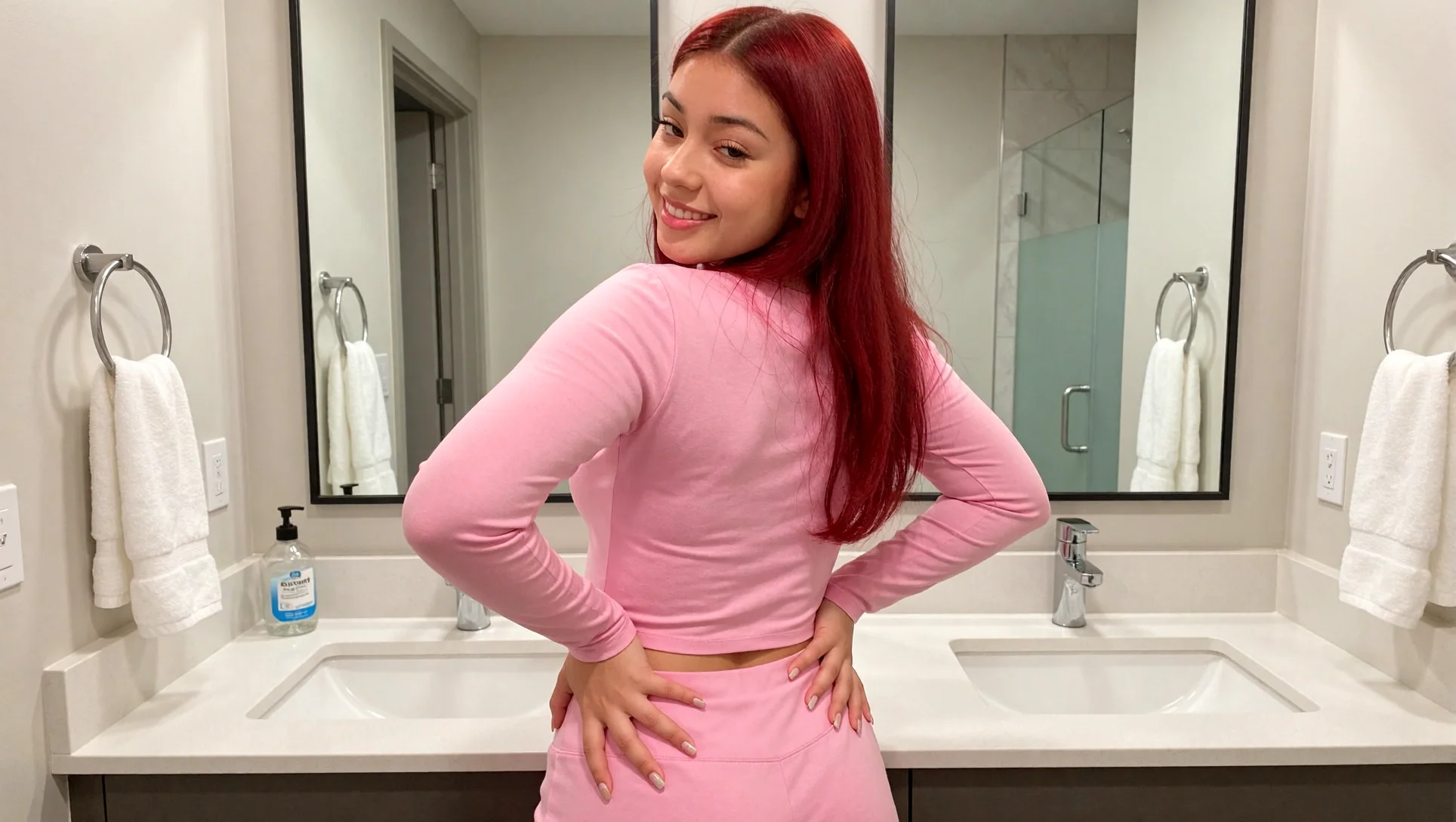
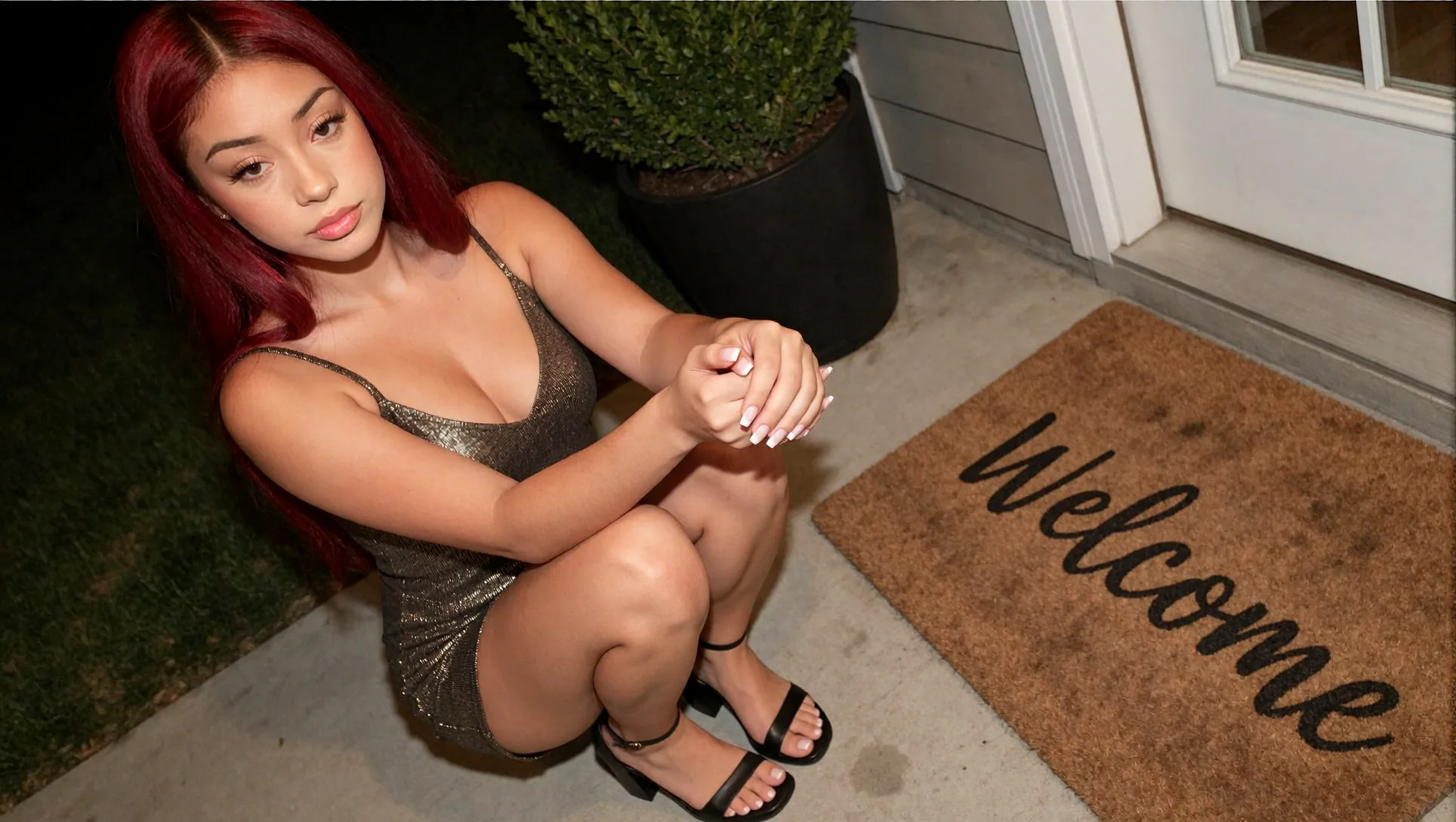
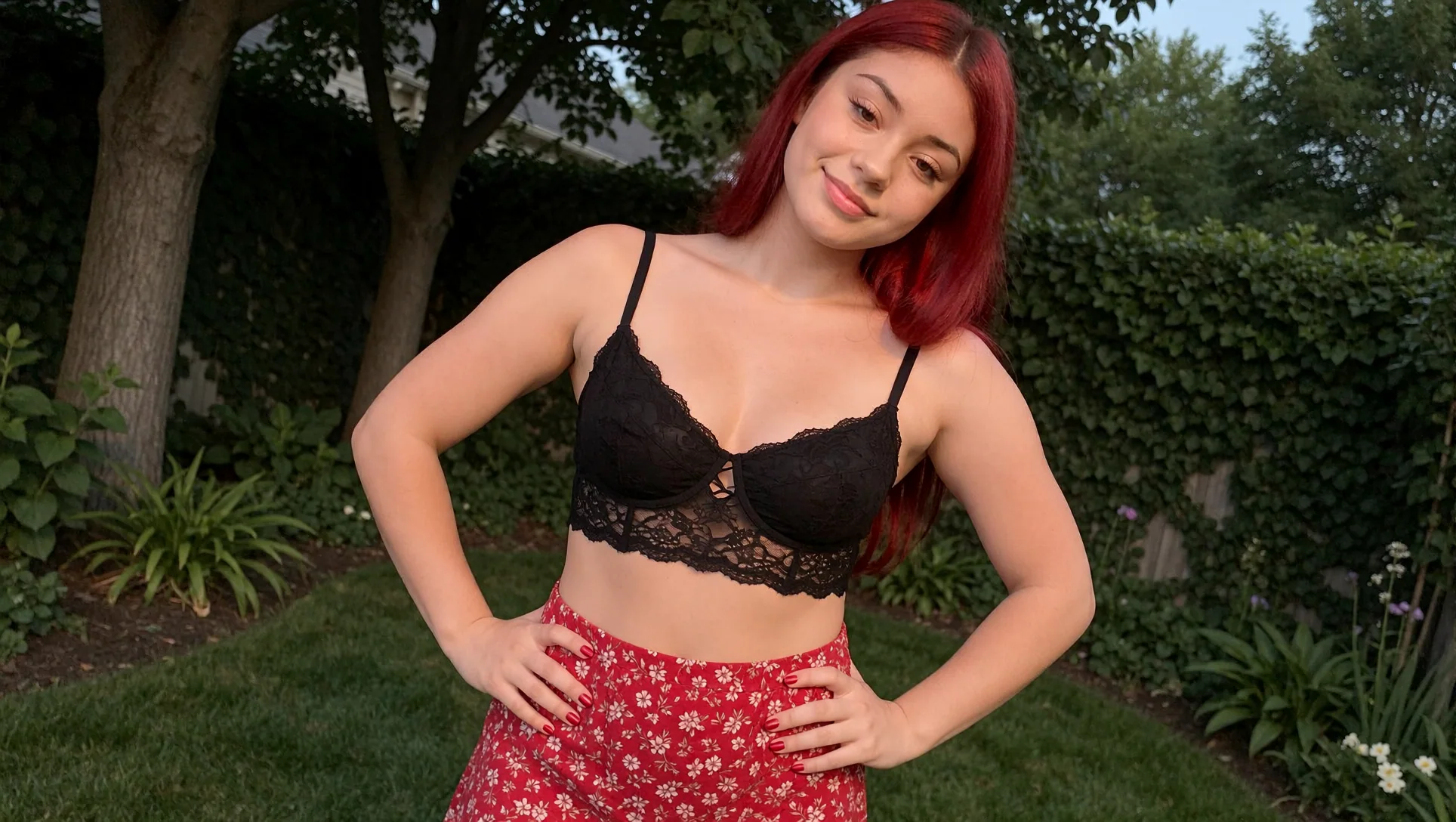
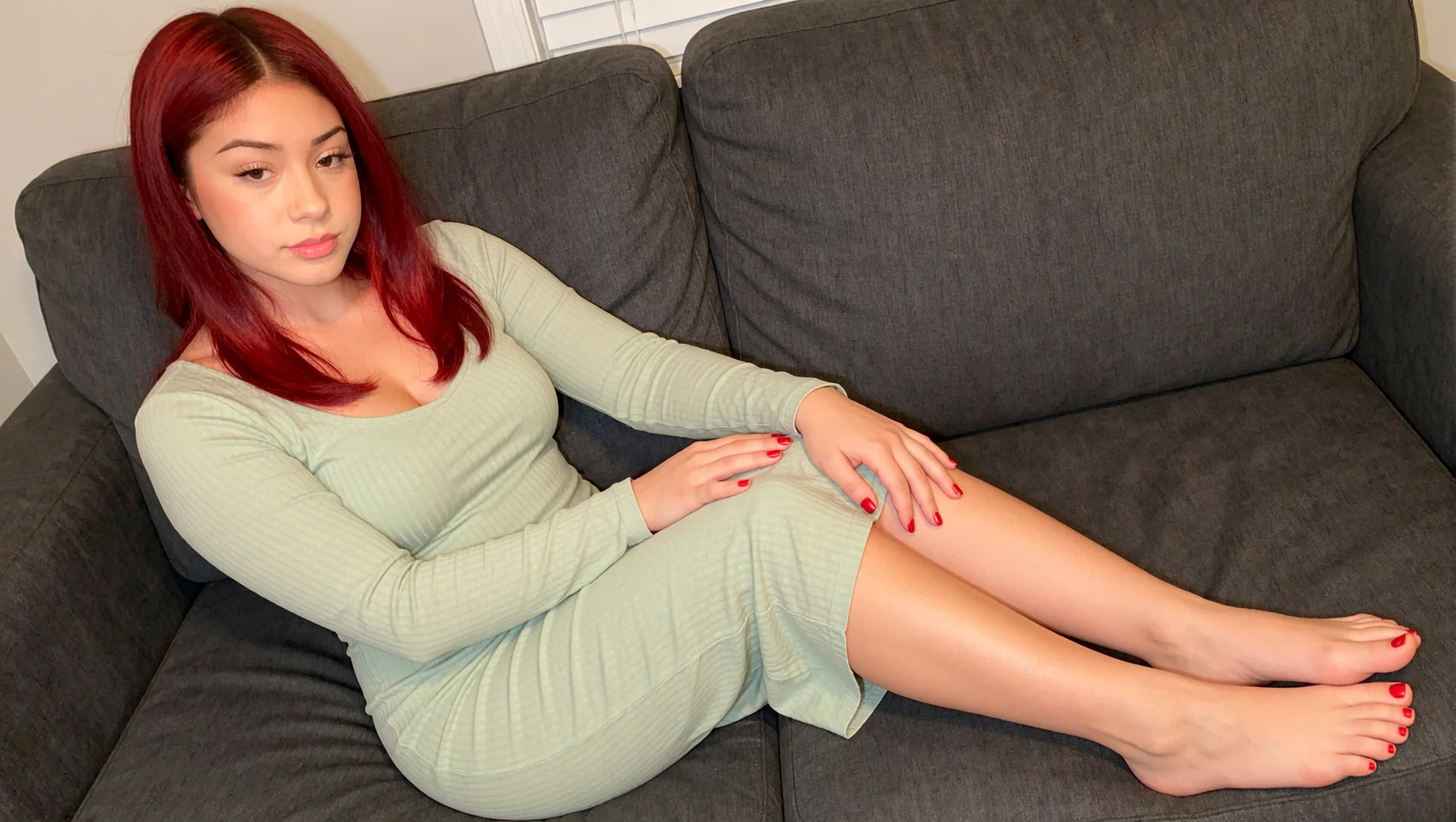
If you want to test the business idea before preparing a training dataset, PixelAiLabs offers the InstantClone AI Influencer Suite. The workflow is designed to create an original AI influencer from one character image, place that character into new scenes, and recreate motion from a reference video without training a LoRA.
The course page describes a guided Cloud GPU deployment, FaceGen character creation, InstantClone image workflows, and video motion workflows. It currently lists four modules and 33 minutes of overview content, and the page lists the workflow at $29. Cloud GPU availability and pricing still depend on the provider, so do not interpret the course as a guarantee of free GPU time. It is a practical shortcut for testing consistent-character production before investing in LoRA training.
The course follows this progression:
- make the first character;
- generate consistent still images;
- place the character in new scenes;
- create motion clips;
- validate audience response;
- train a LoRA later only if the workflow needs greater control.
FAQ
Can I create an AI influencer for free?
You can start with free software, open weights, and a local GPU you already own. Some cloud providers offer free credits or trials, but they can expire or impose quotas. A sustainable pipeline still has hardware, electricity, storage, editing, and distribution costs.
What is the best keyword for this topic?
OpenSEO selected how to create an AI influencer as the primary opportunity for this article, with 320 United States monthly searches and a difficulty score of 14 in the July 29, 2026 snapshot. How to make an AI influencer was a lower-volume alternative with 170 searches and difficulty 9. Metrics change by market, device, language, and date.
Is Ideogram 4 commercially usable?
The Ideogram 4 weights are distributed under the Ideogram 4 Non-Commercial license. The ComfyUI node code uses Apache 2.0, but that does not make the weights commercial. Check for a separate commercial agreement before using them for paid influencer content.
Should I train a LoRA immediately?
Not necessarily. Start with a clean reference workflow if you are still testing the niche. Train a LoRA when repeated identity control, new poses, and larger content batches justify the dataset and training time.
Can I sell AI influencer content on Fanvue or Patreon?
Both platforms have policies for AI content, but they are not identical. Fanvue requires clear disclosure for AI-generated media. Patreon applies different rules to Safe for All Audiences and Adult/18+ pages and also follows payment-processor requirements. Check the live policies before posting.
Can I use a real person's face as my AI influencer?
Only with documented permission and a lawful agreement that covers training, generation, publishing, advertising, and monetization. Never use a person's likeness for deceptive, sexualized, or defamatory content without consent.
Conclusion
You do not need to subscribe to every new generator to start building an AI influencer. Start with a clear fictional identity, use local or open tools where the license permits, keep your references organized, and publish enough content to learn what an audience responds to.
Hosted tools such as Nano Banana, ChatGPT Images, Seedance, Veo, and Kling can speed up testing. Open models such as FLUX.2 [klein], Krea 2, LTX-2.3, and Wan can give you more control over privacy, cost, and customization. The best setup is usually hybrid: use a convenient hosted model when it saves time, then keep the repeatable identity and production workflow under your control.
If you want to test consistent-character image and video generation without training a LoRA first, start with the InstantClone AI Influencer Suite. Testing a real character, a real content cadence, and real audience response will tell you whether you have a business or only a collection of attractive images.