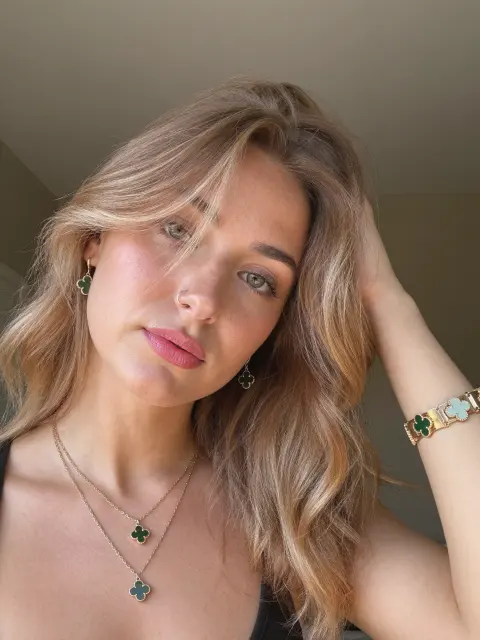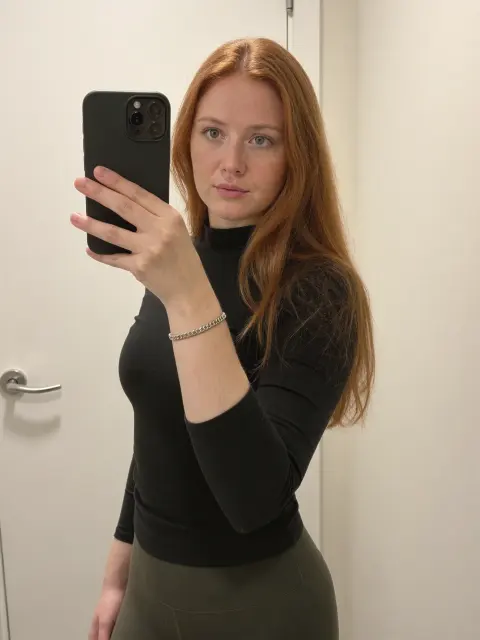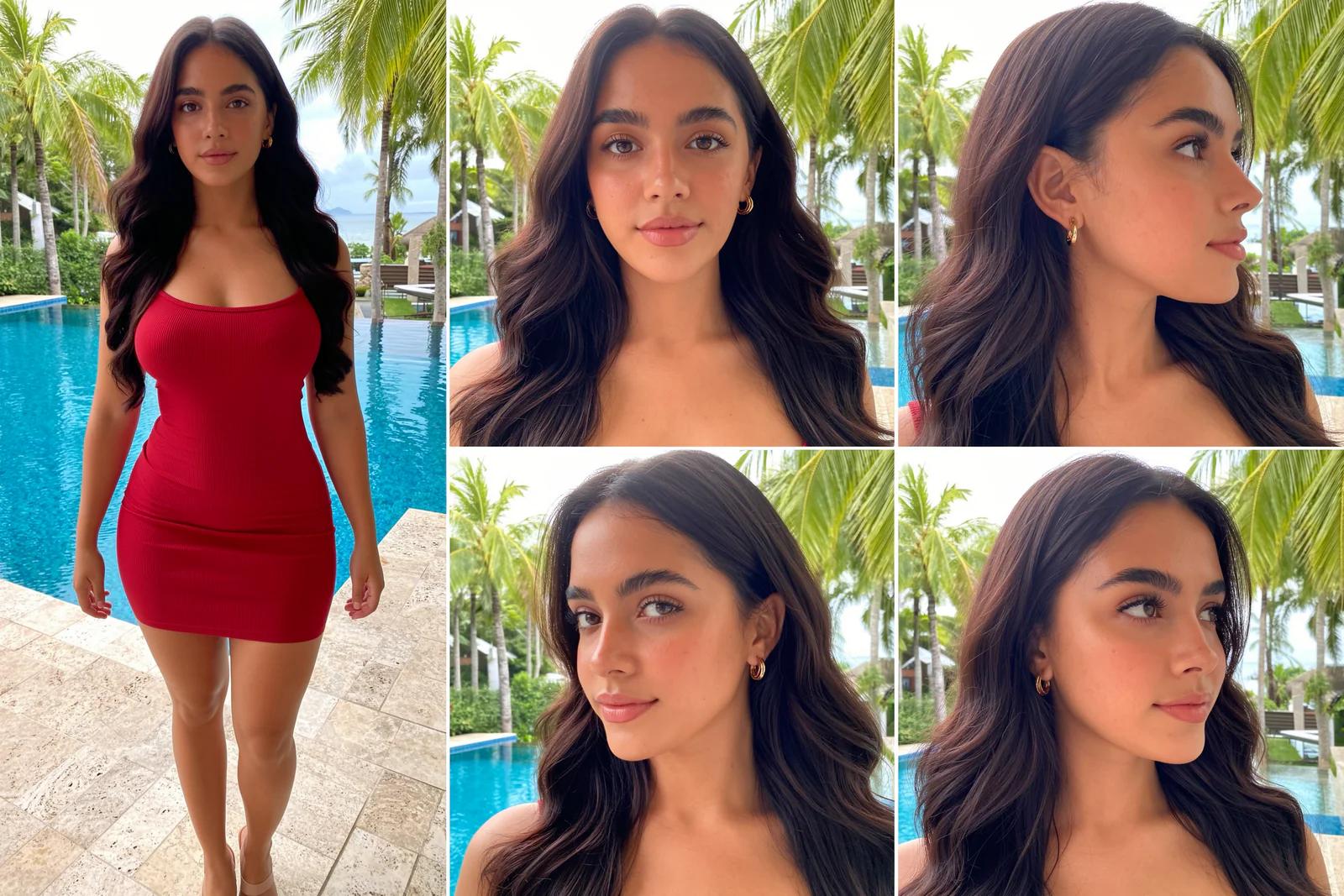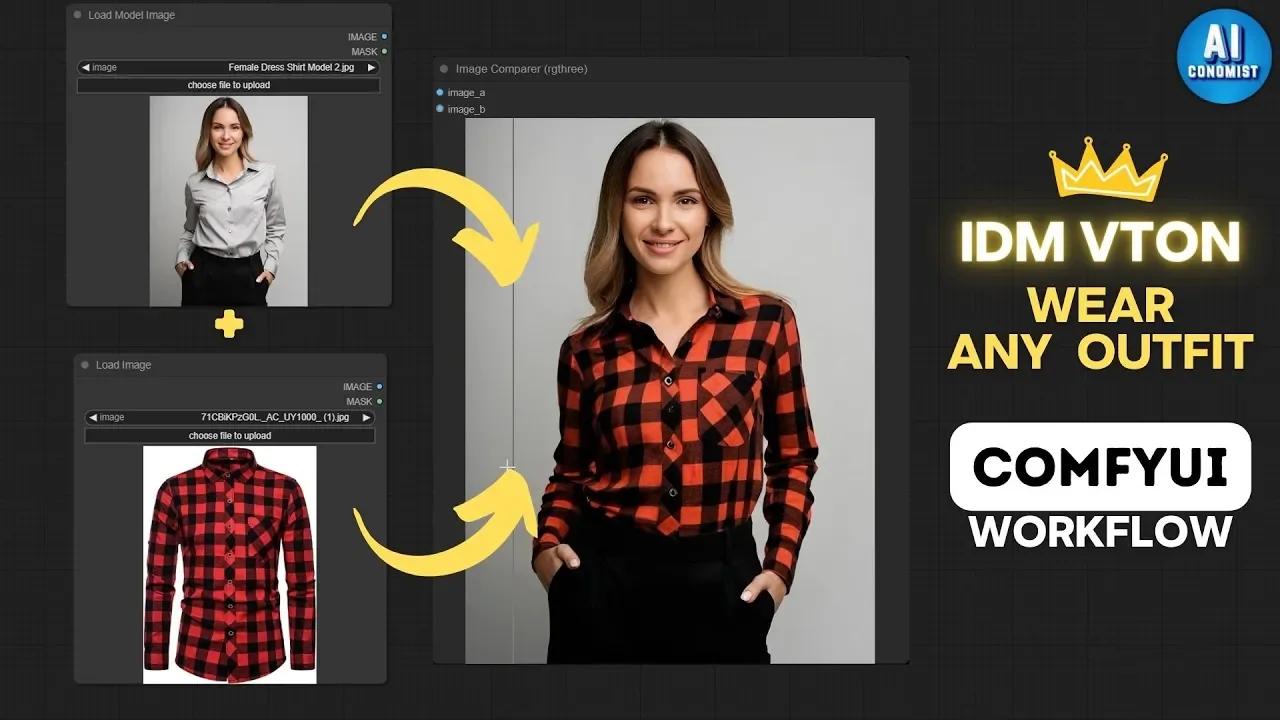
IDM-VTON is a virtual try-on model that puts a garment from one photo onto a person in another, keeping the fabric, folds and details. You can try it in the browser or run it in ComfyUI. This guide covers both, the inputs that give the best results, and how to mask for clean edges.
First published January 2025 on the old PixelAI Labs blog. Refreshed in October 2026: the steps below are checked, the links point to the current project pages, and newer options are mentioned where they help.
Online or local
- Online: the IDM-VTON demo on Hugging Face runs in your browser with no install. Good for testing.
- ComfyUI: install ComfyUI-IDM-VTON for full control and batch work. It needs a strong GPU; the original guide used an RTX 3090 (24 GB).
- Cloud GPU: rent a GPU (for example on RunPod) if your computer isn't strong enough.
1. Prepare the images
Character image: IDM-VTON works best at 768 × 1024. Use a sharp, well-lit photo with a simple background.
Garment image: a clear, front-facing photo where buttons, folds and patterns are visible. Higher resolution gives better texture.
2. Describe the garment
A short, precise description helps IDM-VTON fit the clothing. Mention the sleeve length, the neckline and the fabric:
long-sleeve red and black flannel shirt, button-down collar, soft cottonshort-sleeve white cotton t-shirt, round neckline, relaxed fitBuilding an AI influencer? The UltraRealistic AI Influencer Pro course shows the complete system with today's models: design one character, train her own LoRA, and make KREA 2 photos and MiniMax H3 talking videos, on the cloud or your own GPU.
3. Mask the garment area
Automatic masking detects the body and applies the garment in one step. It's fast and fine for simple clothes and poses.
Manual masking gives clean results on complex outfits and poses:
- Paint over the area where the new garment should go, staying off the hands, hair and background.
- Zoom in on the edges so the mask follows the body closely.
- Run, then keep only the masked area from the result, so the face, arms and background stay untouched.
4. Refine for realism
If the fabric looks flat, run a light refining pass (low denoise) with an SDXL checkpoint such as DreamShaper XL on the garment area only. Keep the denoise low so the garment's design doesn't change.
FAQ
What is IDM-VTON?
An open virtual try-on diffusion model that transfers a garment image onto a person image while keeping fabric details.
What resolution should I use?
768 × 1024 for the character image. Larger images can be resized to that for the try-on, then upscaled.
IDM-VTON or CatVTON?
CatVTON is lighter and faster; IDM-VTON often keeps garment details better. Try both on your images. See our CatVTON guide.
Take it further
Virtual clothing gives an AI model endless outfits without a photoshoot. If you want a ready-made, tested system instead of assembling one yourself, the UltraRealistic AI Influencer Pro course walks through character design, LoRA training, KREA 2 photos and MiniMax H3 videos step by step, and the InstantClone AI Influencer Suite creates consistent images and motion videos from one character image. More free guides are on the PixelAI Labs blog.