Hunyuan Video is Tencent's open-source video model, and it runs natively in ComfyUI. When it came out it was one of the best open text-to-video models, and its successor HunyuanVideo 1.5 is smaller and faster. This guide shows how to get the workflow and models, the settings we used, and prompts to start with.
First published December 2024 on the old PixelAI Labs blog. Refreshed in October 2026: the steps below are checked, the links point to the current project pages, and newer options are mentioned where they help.
Get the workflow and models
1. Update ComfyUI to the latest version.
2. Open the official template: Workflow → Browse Templates → Video, then choose a Hunyuan Video or HunyuanVideo 1.5 text-to-video template. ComfyUI offers to download any missing model files.
3. Or download them yourself from Comfy-Org/Hunyuan-Video-1.5 (recommended) or Comfy-Org/Hunyuan-Video for the original model, and place them in diffusion_models, text_encoders and vae as the template shows.
Settings we used
With the original model, these settings gave good results on a 24 GB card:
Resolution: 768 x 512
Frames: 85
Steps: 21
Model: fp8
VAE: bf16
Text encoder (LLM): fp16
Fewer frames and a lower resolution make tests much faster. Once you like a seed, raise them for the final clip.
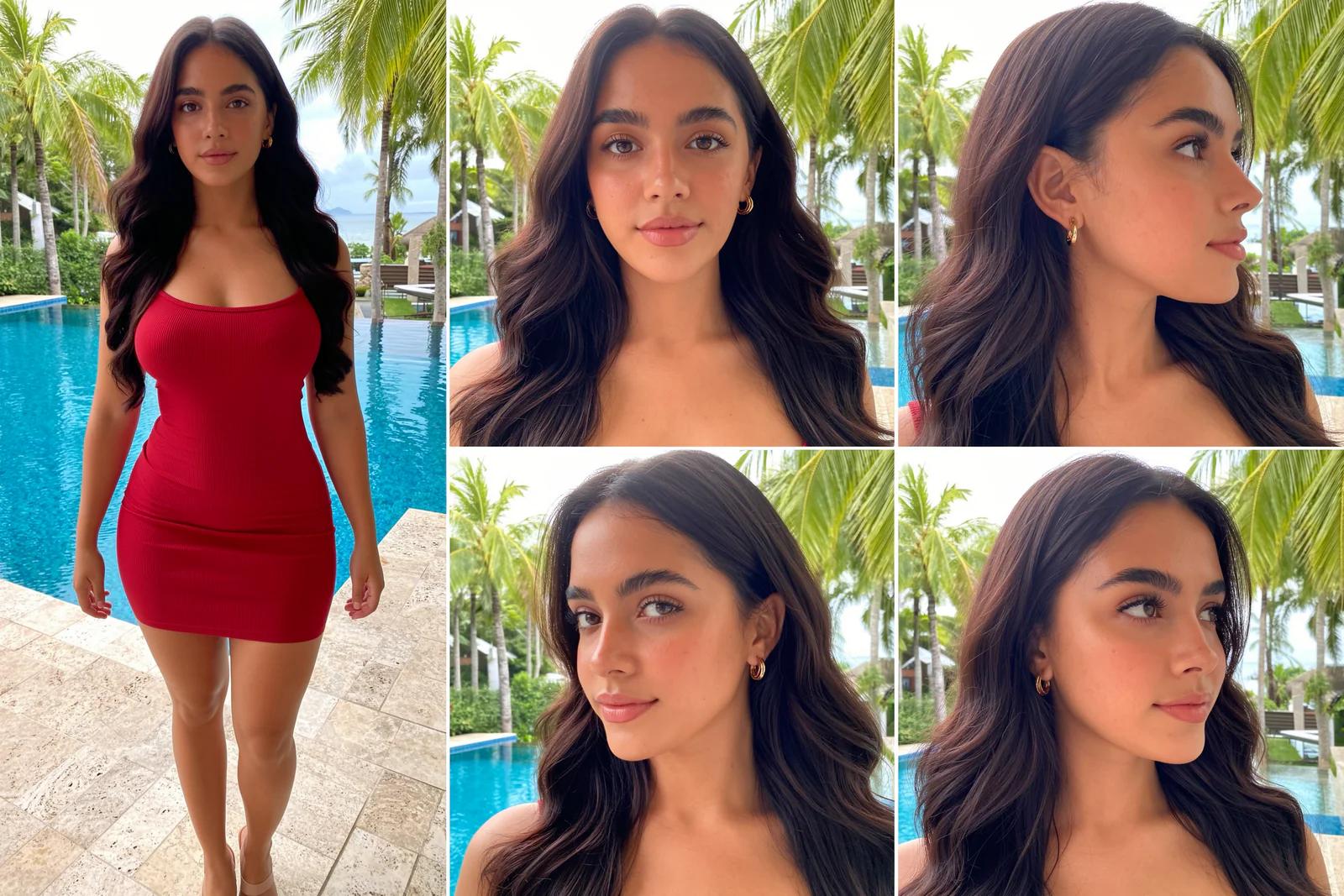
Building an AI influencer? The UltraRealistic AI Influencer Pro course shows the complete system with today's models: design one character, train her own LoRA, and make KREA 2 photos and MiniMax H3 talking videos, on the cloud or your own GPU.
Example prompts
Describe the light and atmosphere first, then the subject and what moves:
morning mist, sunrise lens flare, and a cool breeze. a young spanish woman with exquisite facial features, her long hair blown by the wind, strands of hair scattered across her face, dressed in summer attire, with a seaside beach as the backdrop.a medieval sailing ship sailing on the sea, a foggy night, bright moonlight, and an eerie atmosphere.FAQ
Is Hunyuan Video free to use?
The weights are free to download under Tencent's license. Read the license for the commercial terms in your region.
Should I use the original model or HunyuanVideo 1.5?
HunyuanVideo 1.5 for new work: its files are smaller and it has image-to-video versions too. The original model still works in ComfyUI.
How do I keep a character consistent in Hunyuan videos?
Train a character LoRA. See our Hunyuan Video LoRA training guide.
Take it further
Hunyuan Video is a good open model to learn video generation with. If you want a ready-made, tested system instead of assembling one yourself, the UltraRealistic AI Influencer Pro course walks through character design, LoRA training, KREA 2 photos and MiniMax H3 videos step by step, and the InstantClone AI Influencer Suite creates consistent images and motion videos from one character image. More free guides are on the PixelAI Labs blog.