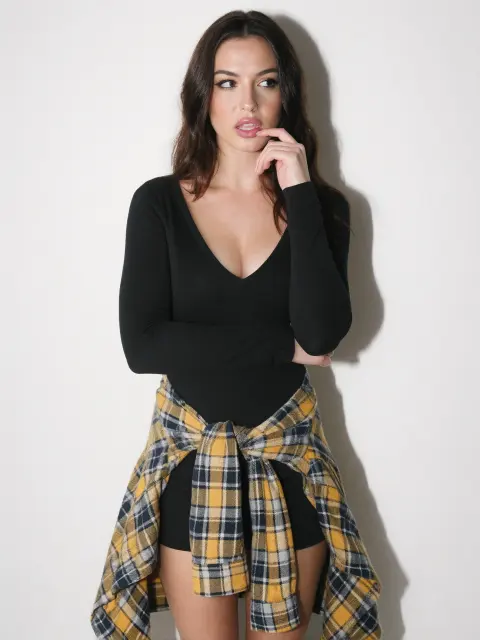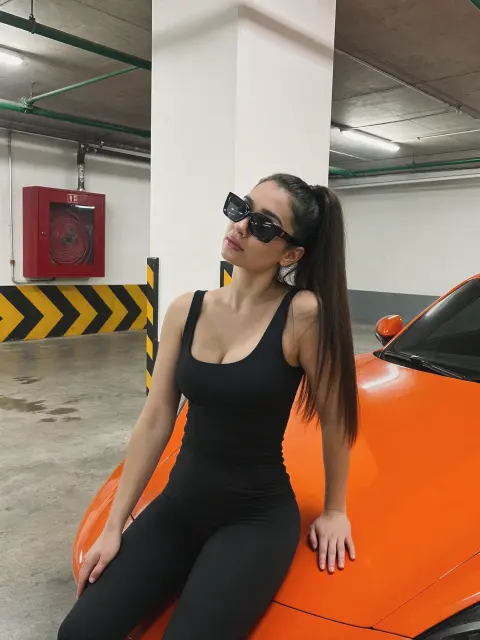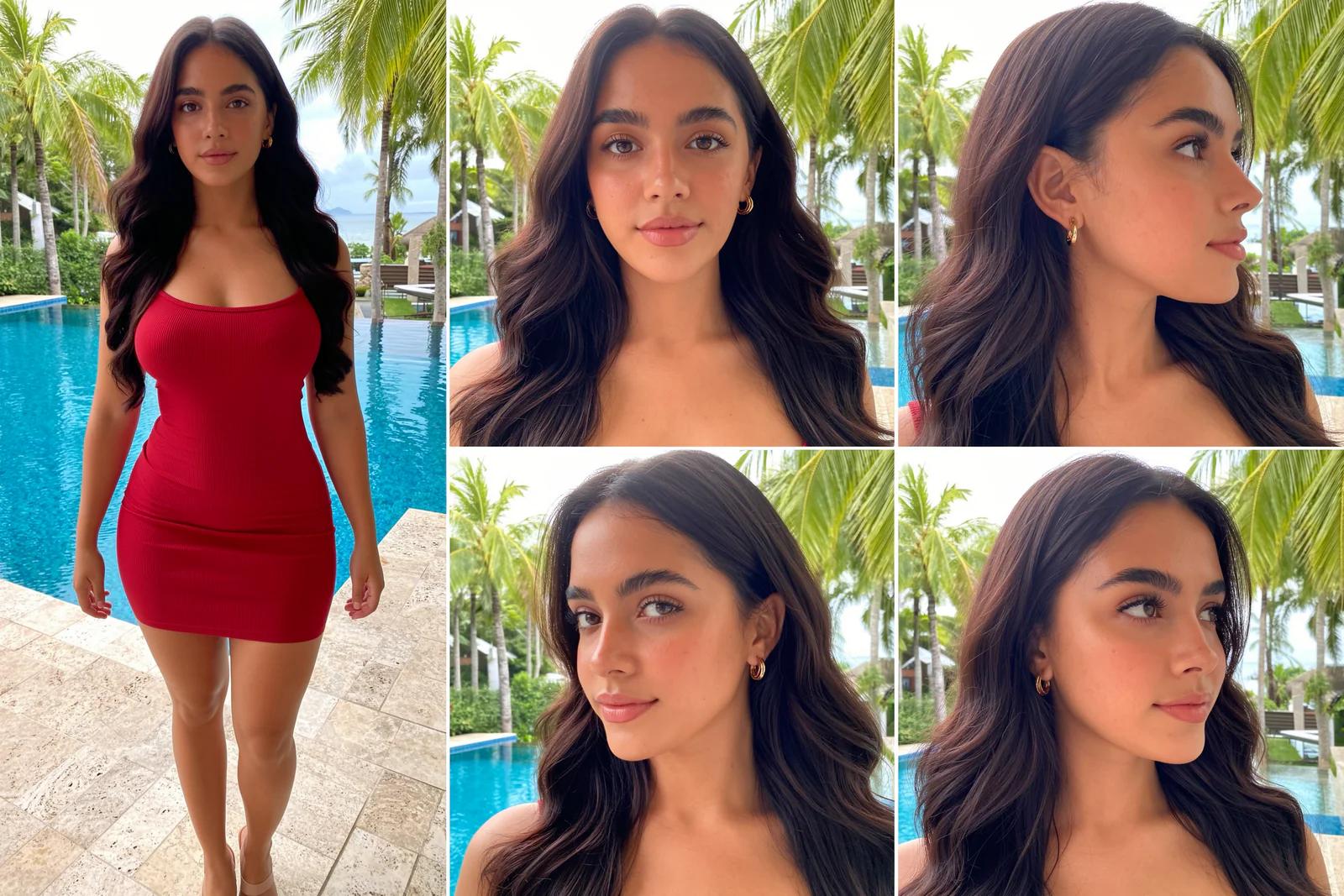
A video LoRA teaches a video model one character, so she looks the same in every clip. This guide trains a Hunyuan Video LoRA with diffusion-pipe, tdrussell's training tool for image and video models, and tests it in ComfyUI. It covers the newer HunyuanVideo 1.5 (recommended) and the original HunyuanVideo.
First published January 2025 on the old PixelAI Labs blog. Refreshed in October 2026: the steps below are checked, the links point to the current project pages, and newer options are mentioned where they help.
What you need
- Linux or WSL 2. diffusion-pipe relies on DeepSpeed, which doesn't support native Windows well.
- A large NVIDIA GPU. The original guide used a 48 GB cloud GPU, with 80 GB for bigger datasets. Training the big model in fp8 cuts memory a lot; start with short 33-frame clips at 512 px.
- Your dataset: short clips and/or images of your character, each with a
.txtcaption of the same name.
1. Install diffusion-pipe
git clone --recurse-submodules https://github.com/tdrussell/diffusion-pipe
cd diffusion-pipe
conda create -n diffusion-pipe python=3.12
conda activate diffusion-pipe
pip install torch torchvision
pip install -r requirements.txt
2. Download the model files
For HunyuanVideo 1.5, put these ComfyUI files from Comfy-Org/Hunyuan-Video-1.5 in diffusion-pipe/models:
hunyuanvideo1.5_480p_t2v_fp16.safetensors      (split_files/diffusion_models)
hunyuanvideo15_vae_fp16.safetensors            (split_files/vae)
qwen_2.5_vl_7b.safetensors                     (split_files/text_encoders)
byt5_small_glyphxl_fp16.safetensors            (split_files/text_encoders)
For the original HunyuanVideo, use the files from the first version of this guide:
mkdir -p models && cd models
wget https://huggingface.co/Kijai/HunyuanVideo_comfy/resolve/main/hunyuan_video_720_cfgdistill_fp8_e4m3fn.safetensors
wget https://huggingface.co/Kijai/HunyuanVideo_comfy/resolve/main/hunyuan_video_vae_bf16.safetensors
git clone https://huggingface.co/Kijai/llava-llama-3-8b-text-encoder-tokenizer/
git clone https://huggingface.co/openai/clip-vit-large-patch14
3. Prepare the dataset
Put your clips and images in one folder, each with a caption that starts with a trigger word:
ely_v1, a woman with long auburn hair talks to the camera in a sunny kitchen, natural light, handheld phone videoEven a few clips go a long way, because diffusion-pipe cuts them into short segments. Then copy the configs from the downloads into diffusion-pipe/examples and set your folders in dataset.toml and the training file:
path = '/workspace/diffusion-pipe/data/input'
output_dir = '/workspace/diffusion-pipe/data/output'
Building an AI influencer? The UltraRealistic AI Influencer Pro course shows the complete system with today's models: design one character, train her own LoRA, and make KREA 2 photos and MiniMax H3 talking videos, on the cloud or your own GPU.
4. Train
From the diffusion-pipe folder:
NCCL_P2P_DISABLE="1" NCCL_IB_DISABLE="1" deepspeed --num_gpus=1 train.py --deepspeed --config examples/hunyuan_video_15_lora.tomlUse examples/hunyuan_video_lora.toml for the original model. The configs save a LoRA every 10 epochs; to continue after a stop, run the same command with --resume_from_checkpoint.
5. Test the LoRA in ComfyUI
Copy a saved LoRA into ComfyUI/models/loras, open a HunyuanVideo text-to-video workflow (Workflow → Browse Templates → Video) and add a LoraLoaderModelOnly node after the model loader. Prompt with your trigger word:
ely_v1, a woman with long auburn hair walks along a beach at sunset and smiles at the camera, handheld phone videoTest several saved epochs and keep the first one that looks like your character without stiff motion. Strengths above about 1.5 tend to cause artifacts. In the original HunyuanVideo, a lower flow shift (2 to 4) gave more photorealistic motion.
FAQ
Which Hunyuan model should I train?
HunyuanVideo 1.5 for new projects: it's newer, its files are smaller and diffusion-pipe saves LoRAs in ComfyUI format. The original HunyuanVideo still works with the second config.
Can I train on Windows?
Use WSL 2 with Ubuntu and follow the Linux steps. diffusion-pipe's DeepSpeed dependency doesn't support native Windows well.
How many clips do I need?
A handful of varied clips plus some images is enough for a first test, because clips are cut into many segments. Add more if the character drifts.
Why does my LoRA look burned or stiff?
It is overtrained. Test an earlier saved epoch, or lower the LoRA strength.
Take it further
A video LoRA keeps your character steady across clips. If you want a ready-made, tested system instead of assembling one yourself, the UltraRealistic AI Influencer Pro course walks through character design, LoRA training, KREA 2 photos and MiniMax H3 videos step by step, and the InstantClone AI Influencer Suite creates consistent images and motion videos from one character image. More free guides are on the PixelAI Labs blog.
Downloads
diffusion-pipe configs for this guide: dataset.toml, hunyuan_video_15_lora.toml (HunyuanVideo 1.5) and hunyuan_video_lora.toml (original HunyuanVideo). Check every path before you train.