KREA 2 Product Placement Prompts
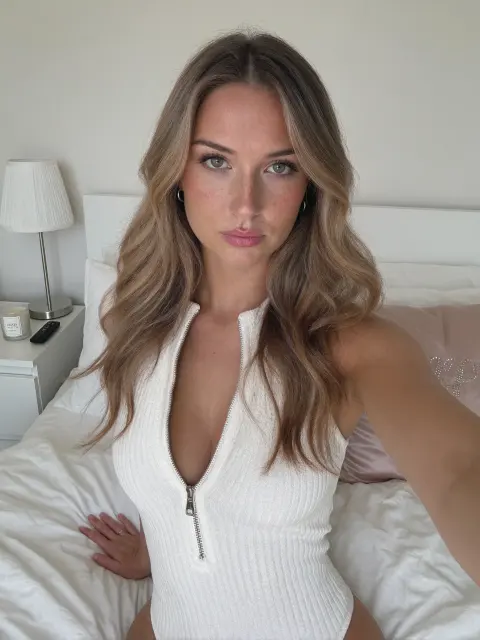
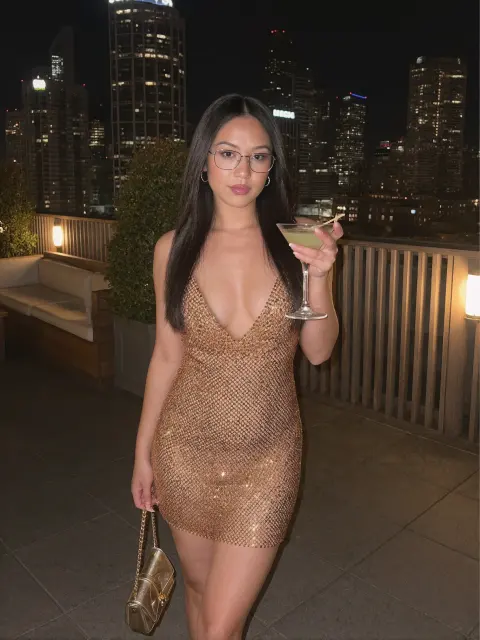
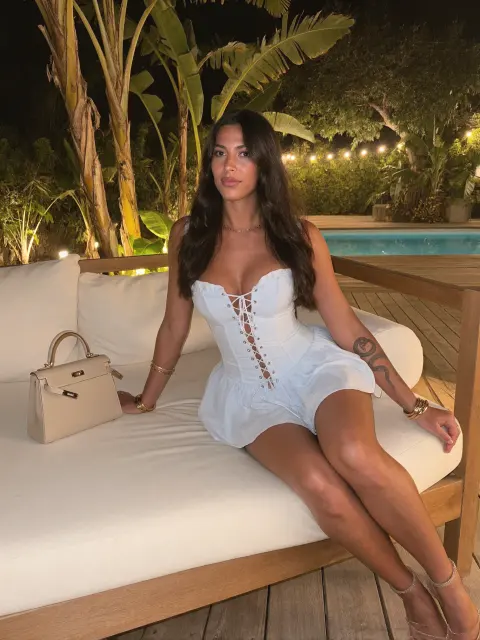
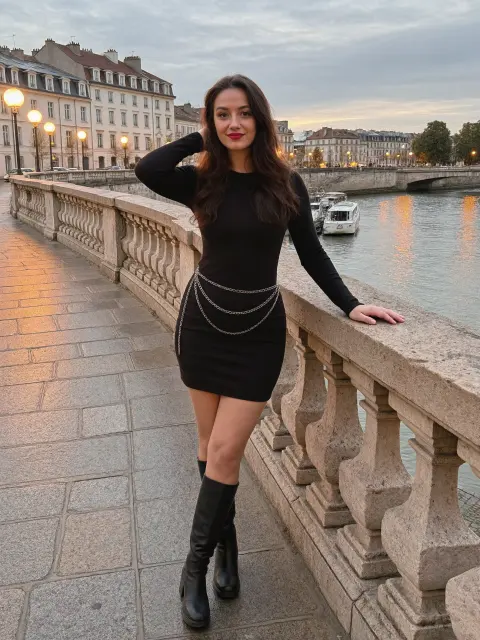
14 product placement prompts for KREA 2, each shown with the image it produced. Open one to see the full-size result and the prompt behind it.
 Free prompt
White Zip Knit Top Bedroom Portrait
KREA 2 · Product Placement
 Full library
Rooftop Night Look in a Mesh Mini Dress
KREA 2 · Product Placement
 Full library
White Corset Dress at a Garden Lounge
KREA 2 · Product Placement
 Full library
Black Knit Dress by the River at Dusk
KREA 2 · Product Placement
 Full library
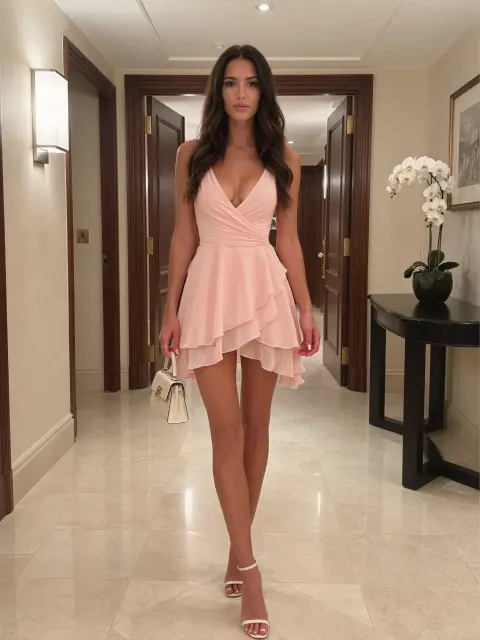
Pink Ruffle Dress in a Hotel Hallway
KREA 2 · Product Placement
 Full library
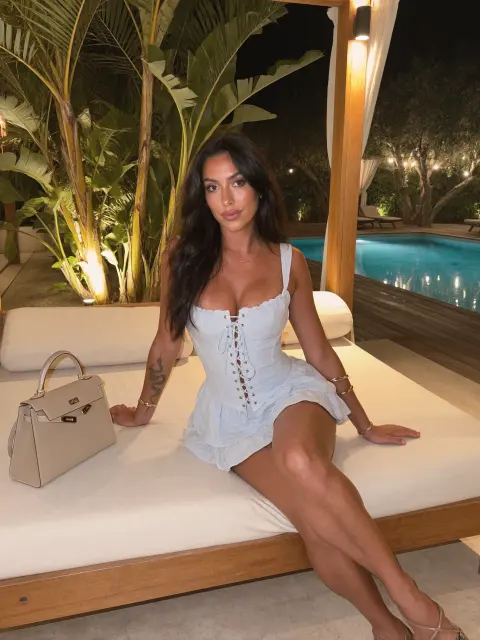
White Corset Top by a Night Pool
KREA 2 · Product Placement
 Full library
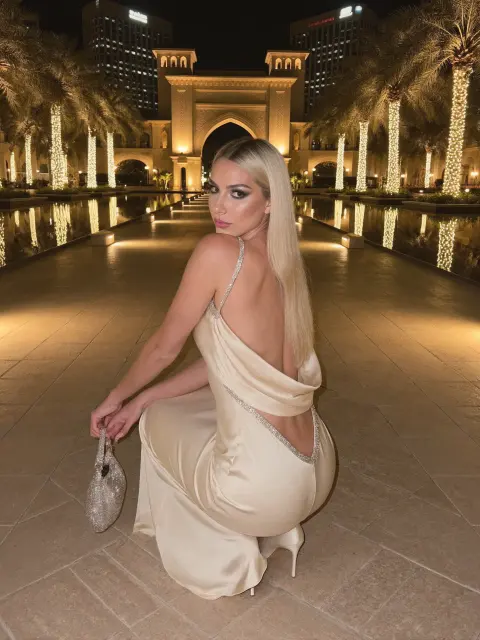
Champagne Satin Dress in a Lantern Courtyard
KREA 2 · Product Placement
 Full library
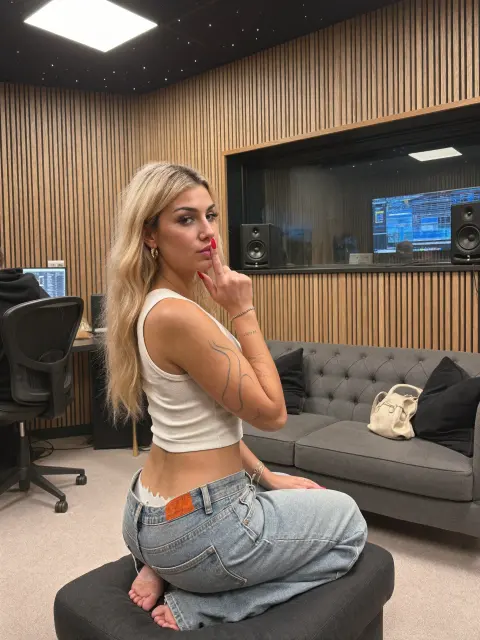
Low-Rise Jeans in a Recording Studio
KREA 2 · Product Placement
 Full library
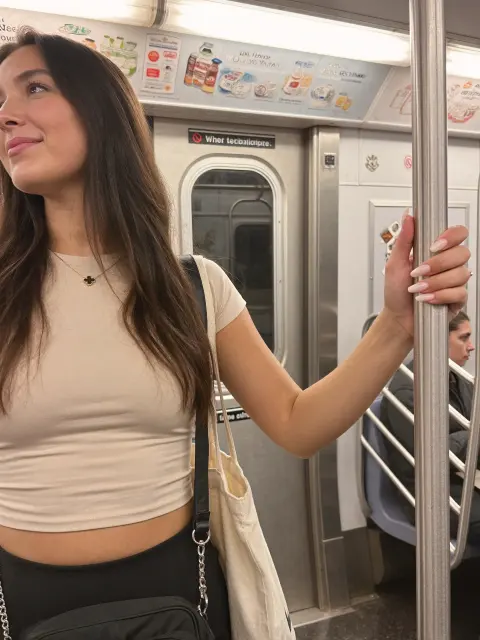
Subway Ride in a Beige Tee
KREA 2 · Product Placement
 Full library
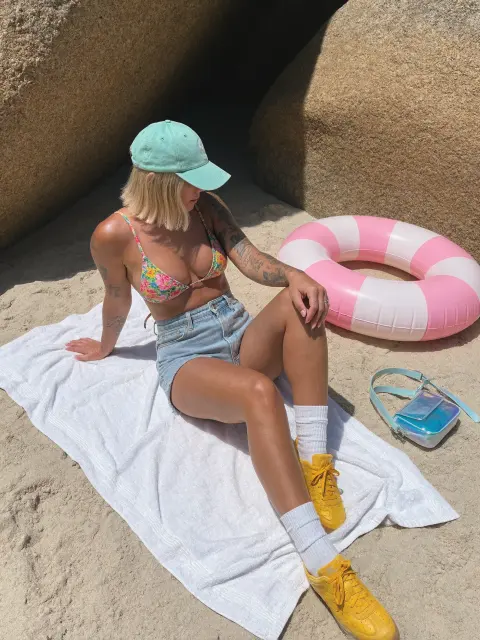
Beach Towel Picnic with a Pool Float
KREA 2 · Product Placement
 Full library
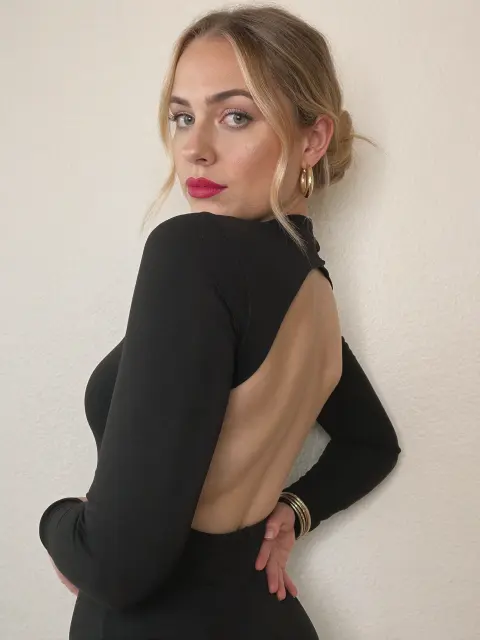
Black Backless Long-Sleeve Top
KREA 2 · Product Placement
 Full library
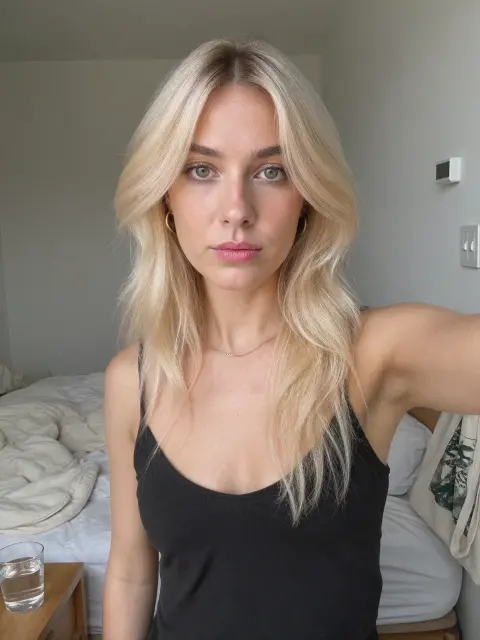
Black Cami Bedroom Selfie
KREA 2 · Product Placement
 Full library
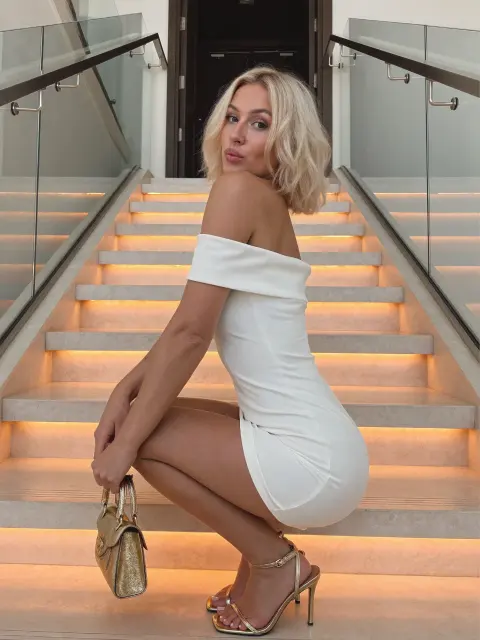
White Off-Shoulder Dress on Lit Stairs
KREA 2 · Product Placement
 Full library
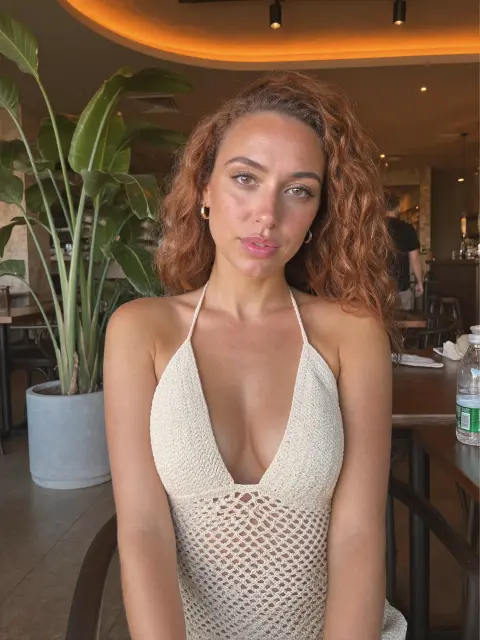
White Crochet Halter in a Café
KREA 2 · Product Placement
Full prompt library
Unlock all 299 prompts
Every image and video prompt in this library is included with UltraRealistic AI Influencer Pro: KREA 2 & MiniMax H3, together with the workflows, lessons and models that made these results.
$59$79
See what's includedHow to use these KREA 2 prompts
Open a KREA 2 text-to-image workflow in ComfyUI, paste a prompt into the positive prompt box and run it. Each prompt here was written for realistic photos, so it already describes everything the model needs: who took the photo, the person, what they are doing, the place and the light, and the look of a real phone camera.
To make a prompt your own, change one part at a time. Swap the outfit or the place first, keep the camera and lighting sentences, and run a few seeds before you rewrite anything. Short prompts give KREA 2 room to guess; the long, plain-English style below is what keeps skin, hands and backgrounds believable.
A prompt alone gives you a new face every time. To keep one character across hundreds of photos, train a character LoRA: the UltraRealistic AI Influencer Pro course shows the full KREA 2 process, and the InstantClone AI Influencer Suite creates consistent images from one character image. For free techniques, read how to make an AI character sheet and how to write realistic AI influencer photo prompts.