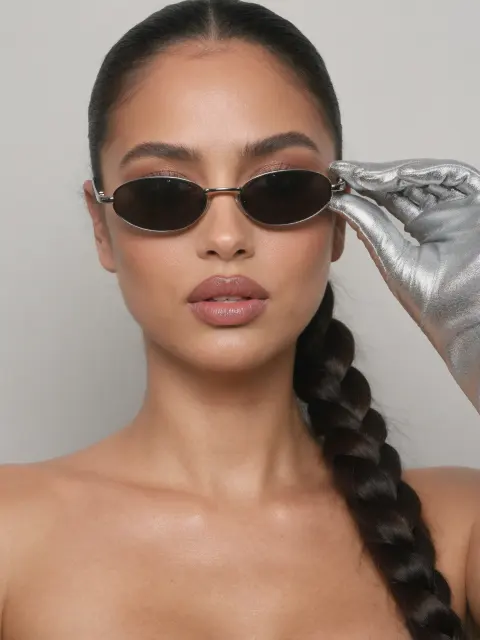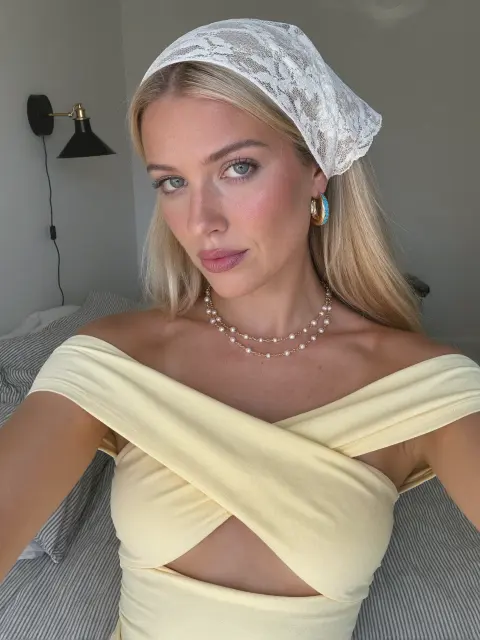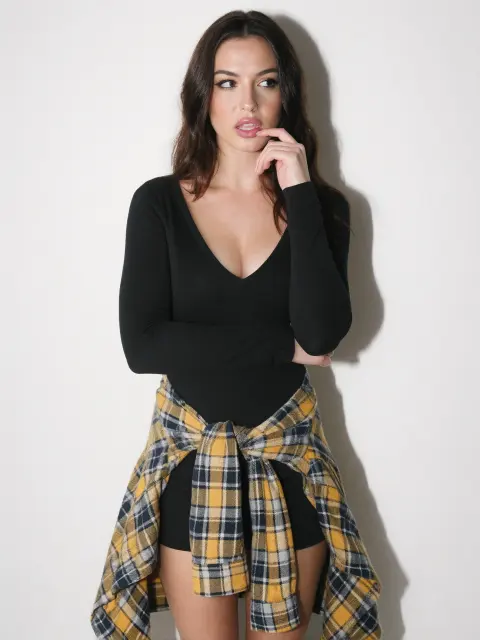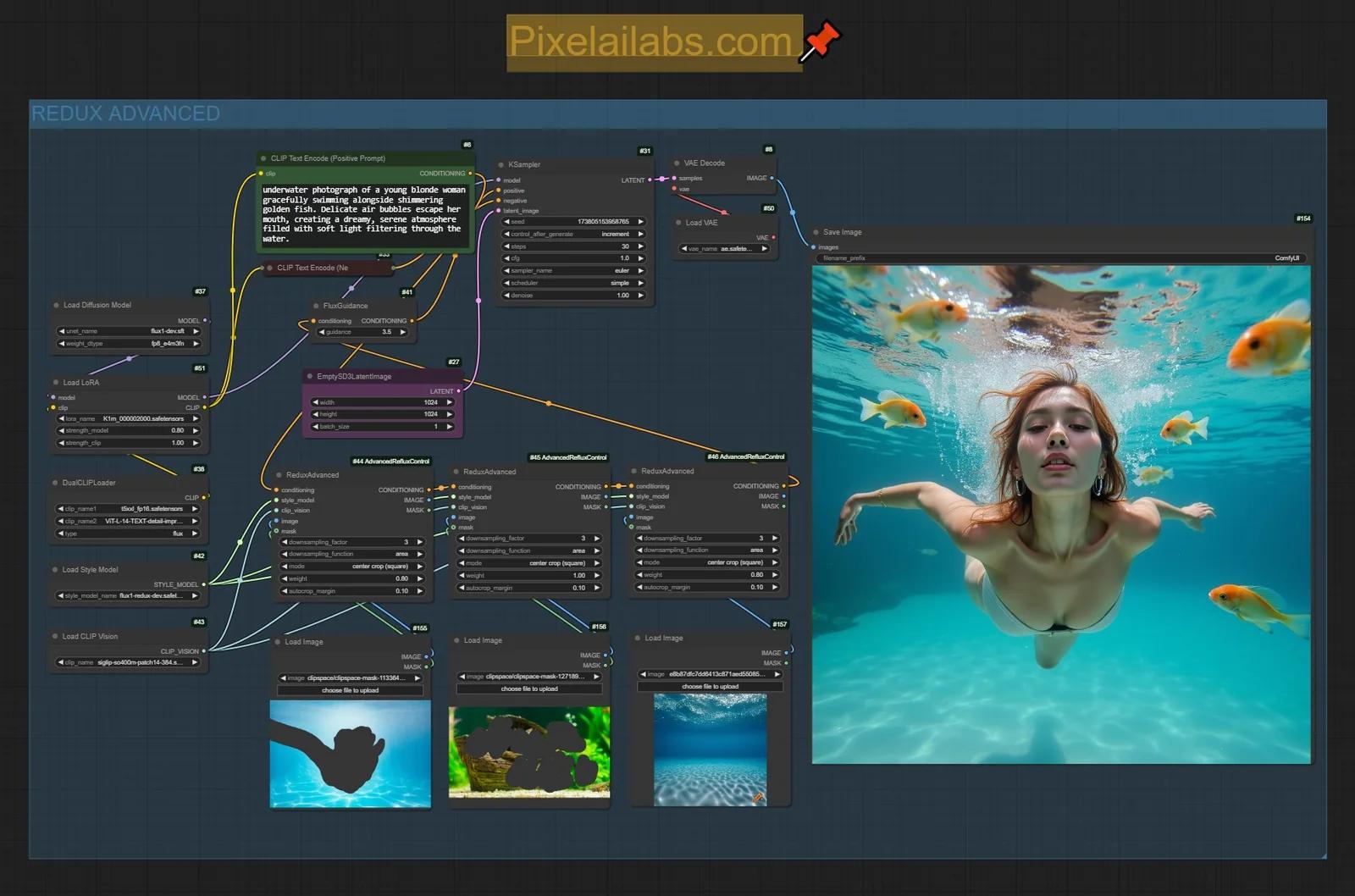
Flux Redux lets you prompt FLUX with an image instead of only text. Give it a reference picture and it makes new images with the same style, colors and subject. In ComfyUI you can mix several references, add a LoRA for extra realism and use a text prompt to steer the scene, which makes it handy for style transfer and for keeping a character recognizable.
First published November 2024 on the old PixelAI Labs blog. Refreshed in October 2026: the steps below are checked, the links point to the current project pages, and newer options are mentioned where they help.
What you need
| Model | Folder | Download |
|---|---|---|
| FLUX.1 [dev] | models/diffusion_models | black-forest-labs/FLUX.1-dev |
| FLUX.1 Redux [dev] | models/style_models | black-forest-labs/FLUX.1-Redux-dev |
| SigCLIP vision | models/clip_vision | Comfy-Org/sigclip_vision_384 |
| t5xxl text encoder | models/text_encoders | comfyanonymous/flux_text_encoders |
| CLIP-L (improved, optional) | models/text_encoders | zer0int/CLIP-GmP-ViT-L-14 |
| Amateur Photography LoRA (optional) | models/loras | Civitai |
Update ComfyUI first: the Redux nodes (Load Style Model, Apply Style Model, CLIP Vision Encode) are built in.
How to use Flux Redux
1. Load a reference image into the Load Image node connected to CLIP Vision Encode.
2. Write a short prompt for the scene you want. Redux brings the look of the reference; the prompt sets the action and place:
photography of a young redhead woman in natural environment. she's painting on a canvas on a wooden stand.amateur photo of a young redhead woman sitting on a gaming chair in an empty room. wearing a t-shirt.3. Run it. FluxGuidance around 3.5 and 20 steps is a good start.
4. Mix references. Chain a second Apply Style Model node with another image to blend two styles or bring in an outfit. Lower the strength of one of them if it takes over.
Building an AI influencer? The UltraRealistic AI Influencer Pro course shows the complete system with today's models: design one character, train her own LoRA, and make KREA 2 photos and MiniMax H3 talking videos, on the cloud or your own GPU.
Tips for consistent characters
- Use a clear, well-lit portrait as the reference. Busy backgrounds leak into the result.
- Keep the prompt about the scene, not the face; Redux handles the look.
- Redux keeps a character close, not identical. For the same person across hundreds of images, train a character LoRA.
FAQ
What does Flux Redux do?
It turns an image into conditioning for FLUX, so you can make variations of it, restyle new images in its look or mix several images together.
Does the text prompt still matter?
Yes, but less than usual. The reference image dominates the look; the prompt mostly steers the scene and action.
Can Redux keep my AI influencer's face the same?
It keeps the general look and style. For a face that stays identical, use a trained character LoRA.
Take it further
Redux is a fast way to explore a look before you commit to training. If you want a ready-made, tested system instead of assembling one yourself, the UltraRealistic AI Influencer Pro course walks through character design, LoRA training, KREA 2 photos and MiniMax H3 videos step by step, and the InstantClone AI Influencer Suite creates consistent images and motion videos from one character image. More free guides are on the PixelAI Labs blog.
Downloads
The FLUX.1 Tools all-in-one workflow, which includes the Redux group used in this guide.