KREA 2 Street Style Prompts
21 street style prompts for KREA 2, each shown with the image it produced. Open one to see the full-size result and the prompt behind it.
 Full library
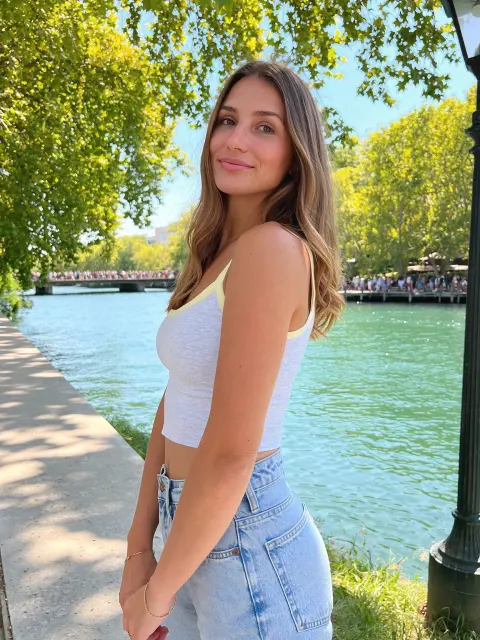
White Tank and Jeans Riverside Walk
KREA 2 · Street Style
 Full library
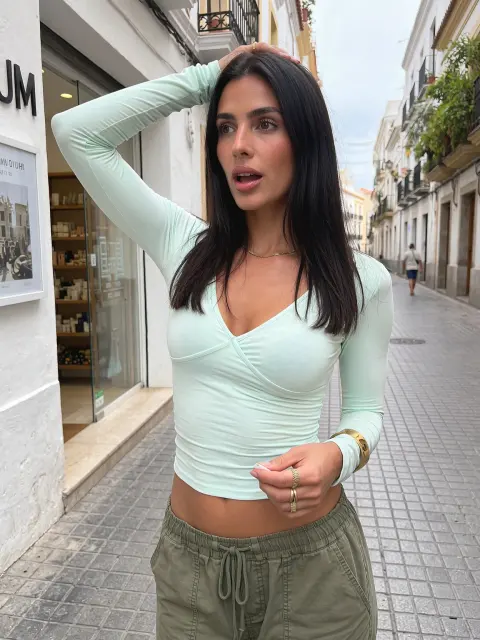
Mint Wrap Top Shopping Street Pose
KREA 2 · Street Style
 Full library
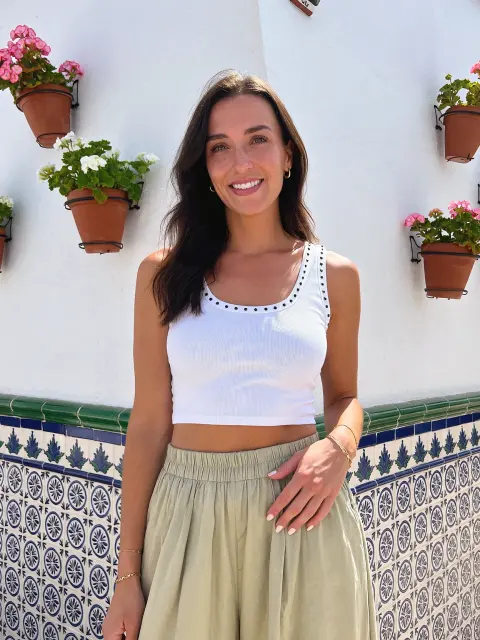
White Crop Tank by a Tiled Flower Wall
KREA 2 · Street Style
 Full library
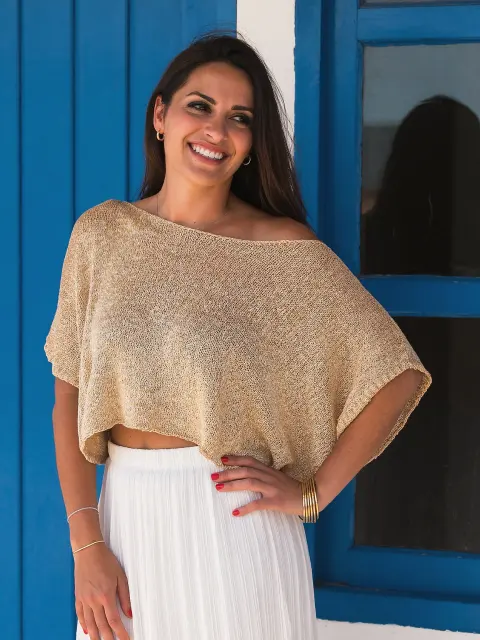
Gold Knit Top by a Blue Door
KREA 2 · Street Style
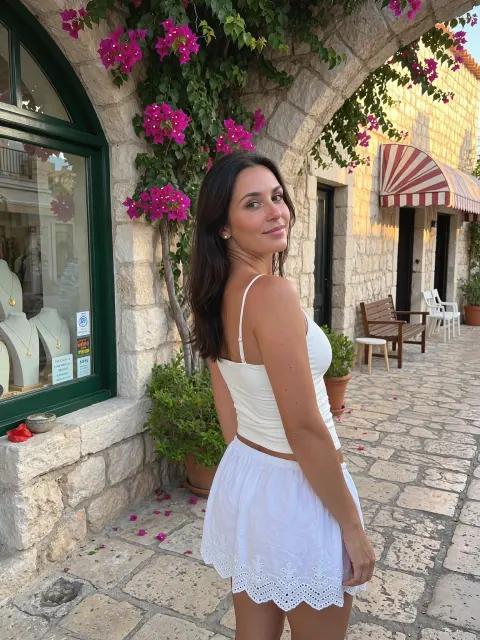 Full library
White Eyelet Skirt Under Bougainvillea Arch
KREA 2 · Street Style
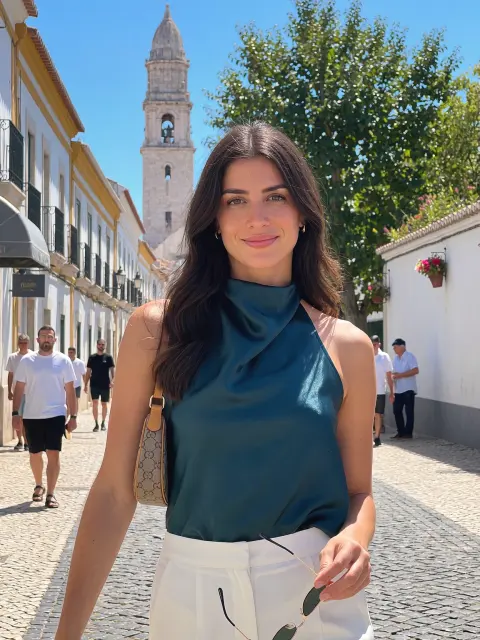 Full library
Teal Satin Halter Bell Tower Street
KREA 2 · Street Style
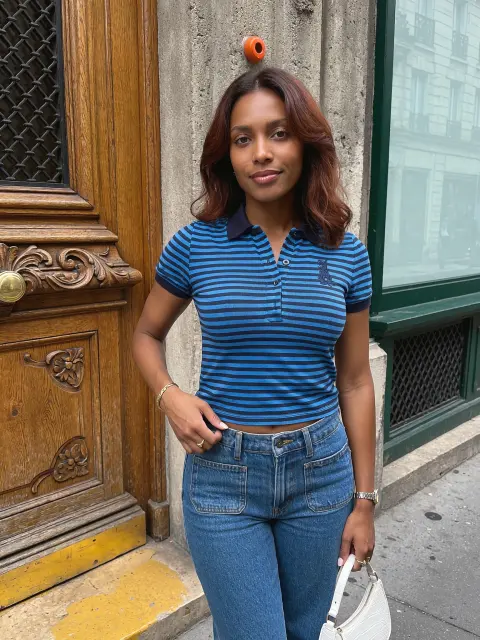 Full library
Striped Polo by a Carved Wooden Door
KREA 2 · Street Style
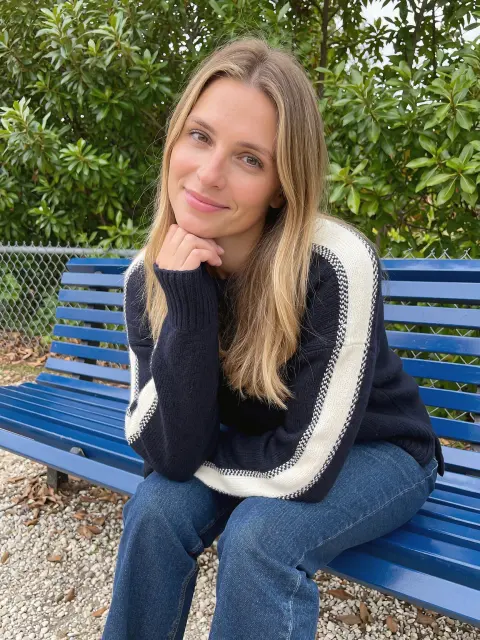 Full library
Striped Sweater on a Blue Park Bench
KREA 2 · Street Style
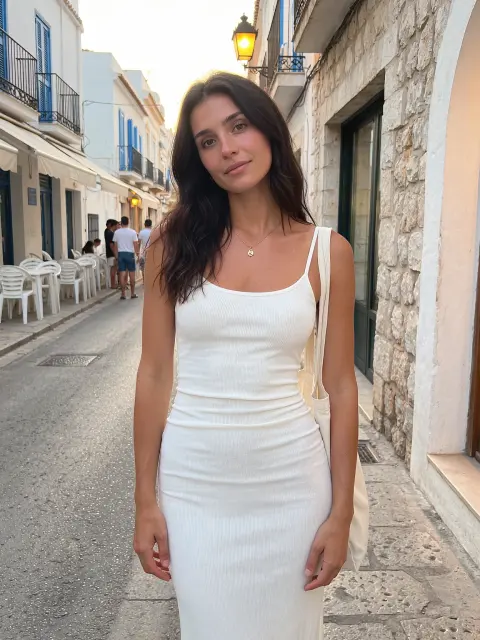 Full library
White Midi Dress Seaside Village Street
KREA 2 · Street Style
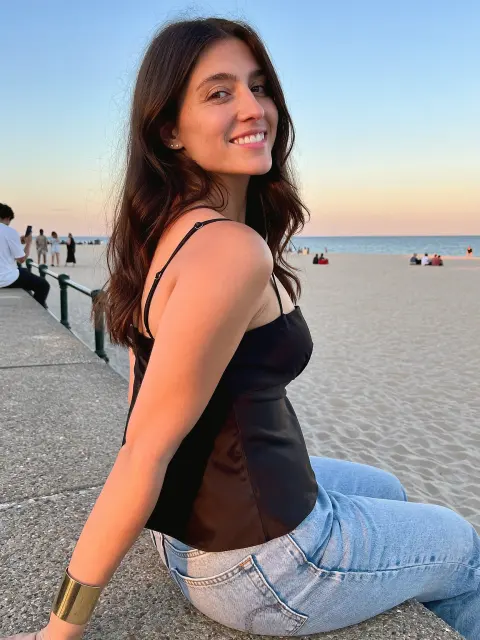 Full library
Black Cami Seaside Promenade Ledge
KREA 2 · Street Style
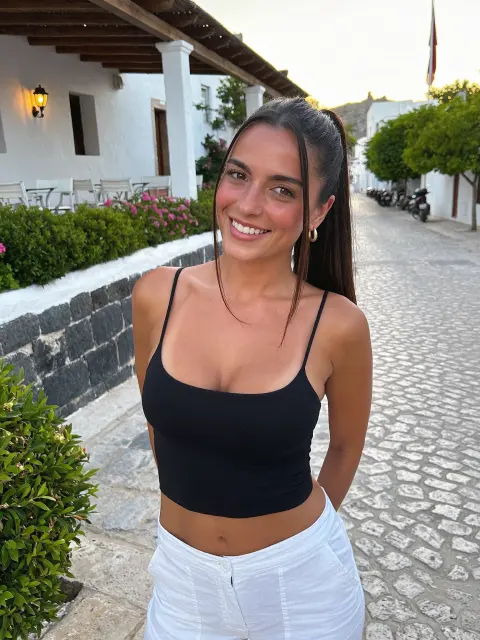 Full library
Black Cami and White Jeans Cobblestone Smile
KREA 2 · Street Style
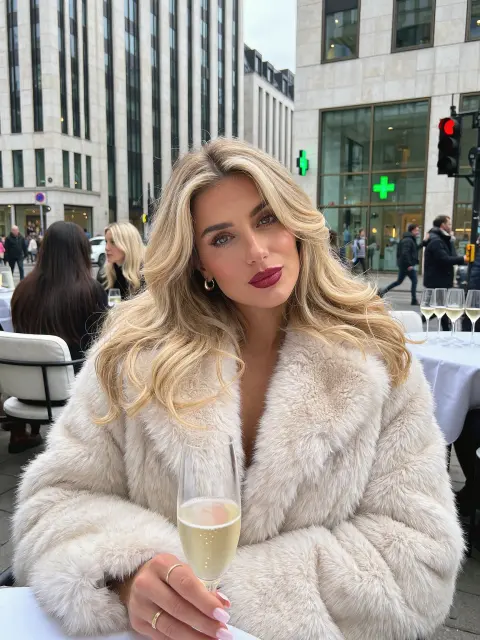 Full library
Cream Faux Fur Coat Champagne Sidewalk
KREA 2 · Street Style
 Full library
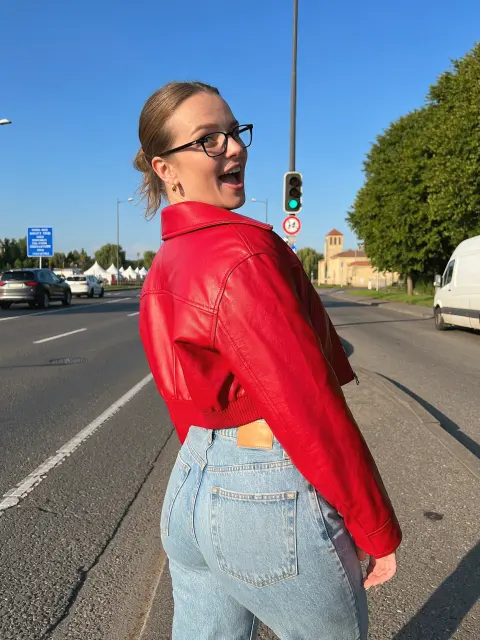
Red Leather Jacket Roadside Look Back
KREA 2 · Street Style
 Full library
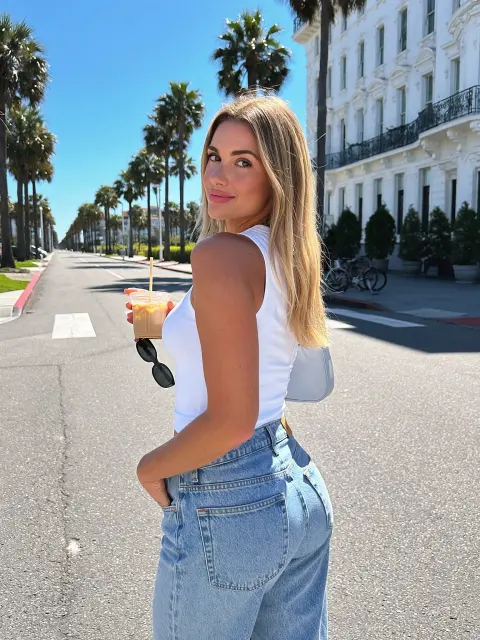
White Tank and Jeans Palm Avenue Iced Coffee
KREA 2 · Street Style
 Full library
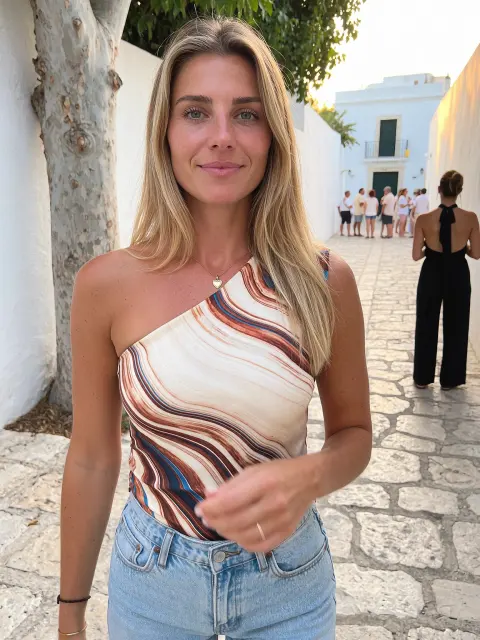
Swirl Print One-Shoulder Top Whitewashed Lane
KREA 2 · Street Style
 Full library
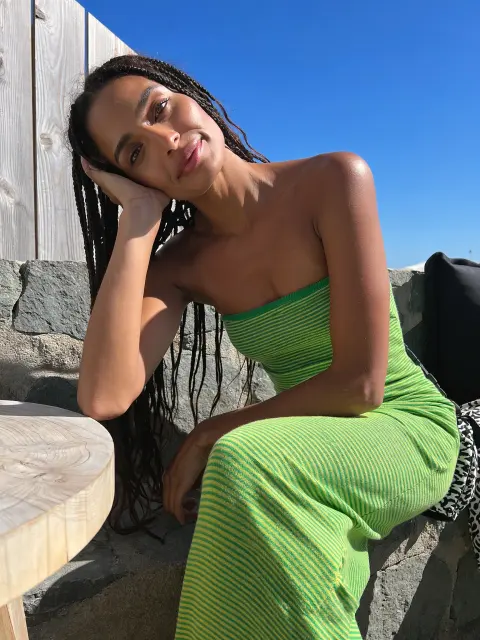
Green Striped Tube Dress on a Stone Ledge
KREA 2 · Street Style
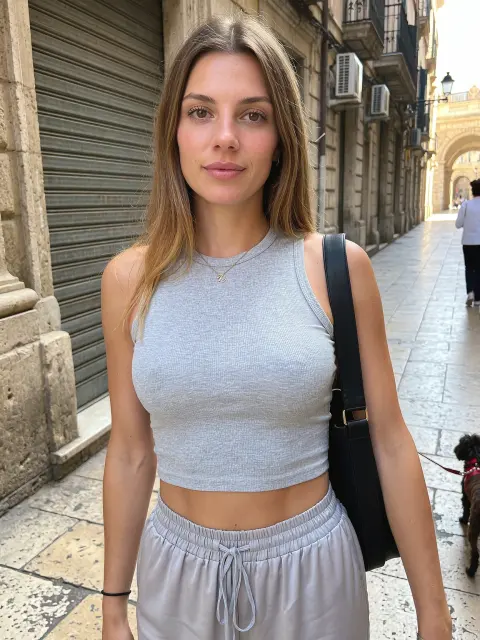 Full library
Gray Crop Tank Old Town Street Walk
KREA 2 · Street Style
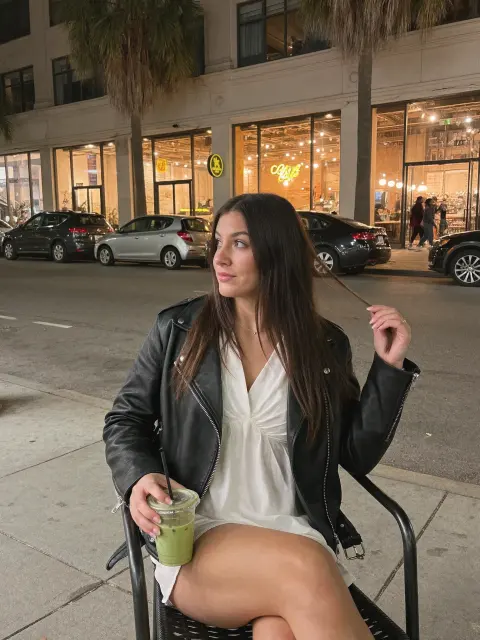 Full library
Leather Jacket and Green Juice at a Street Café
KREA 2 · Street Style
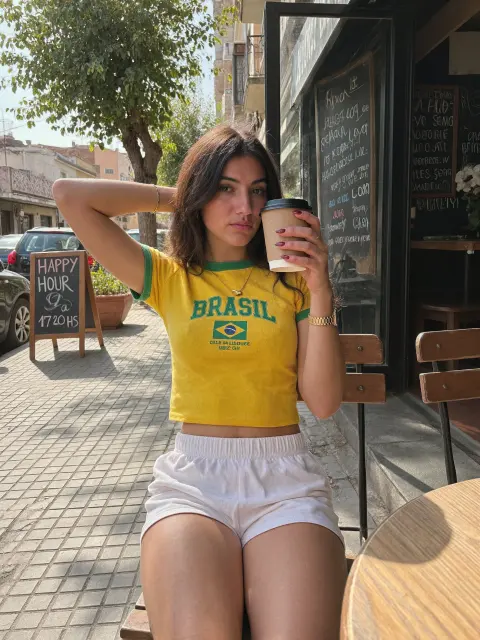 Full library
Brasil Tee and Coffee on a Café Street
KREA 2 · Street Style
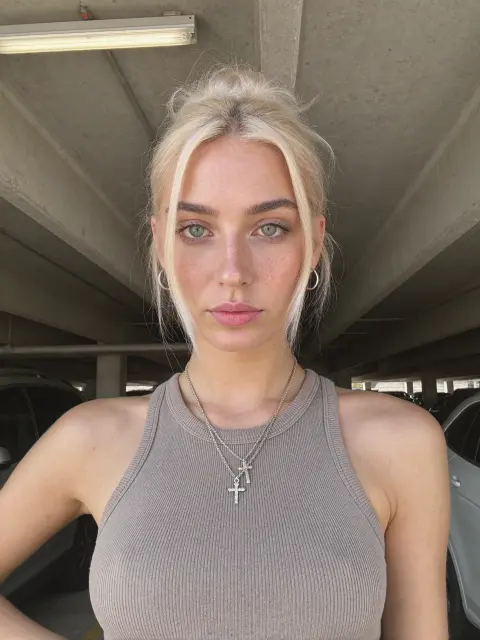 Full library
Grey Tank Blonde Portrait
KREA 2 · Street Style
 Full library
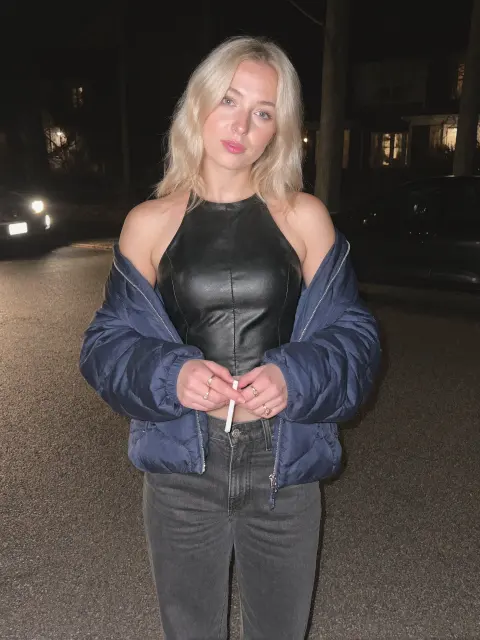
Leather Halter and Puffer Jacket at Night
KREA 2 · Street Style
Full prompt library
Unlock all 413 prompts
Every image and video prompt in this library is included with UltraRealistic AI Influencer Pro: KREA 2 & MiniMax H3, together with the workflows, lessons and models that made these results.
$59$79
See what's includedHow to use these KREA 2 prompts
Open a KREA 2 text-to-image workflow in ComfyUI, paste a prompt into the positive prompt box and run it. Each prompt here was written for realistic photos, so it already describes everything the model needs: who took the photo, the person, what they are doing, the place and the light, and the look of a real phone camera.
To make a prompt your own, change one part at a time. Swap the outfit or the place first, keep the camera and lighting sentences, and run a few seeds before you rewrite anything. Short prompts give KREA 2 room to guess; the long, plain-English style below is what keeps skin, hands and backgrounds believable.
A prompt alone gives you a new face every time. To keep one character across hundreds of photos, train a character LoRA: the UltraRealistic AI Influencer Pro course shows the full KREA 2 process, and the InstantClone AI Influencer Suite creates consistent images from one character image. For free techniques, read how to make an AI character sheet and how to write realistic AI influencer photo prompts.